

Contact summary
Dieser Inhalt ist noch nicht in deiner Sprache verfügbar.
Contact summary answers “what is our history with this customer?” in one paragraph. Where the other modules look at a single call, this one reads across all calls with the same contact and writes a running summary, plus the recurring keywords and the sentiment trend, on the contact’s profile.
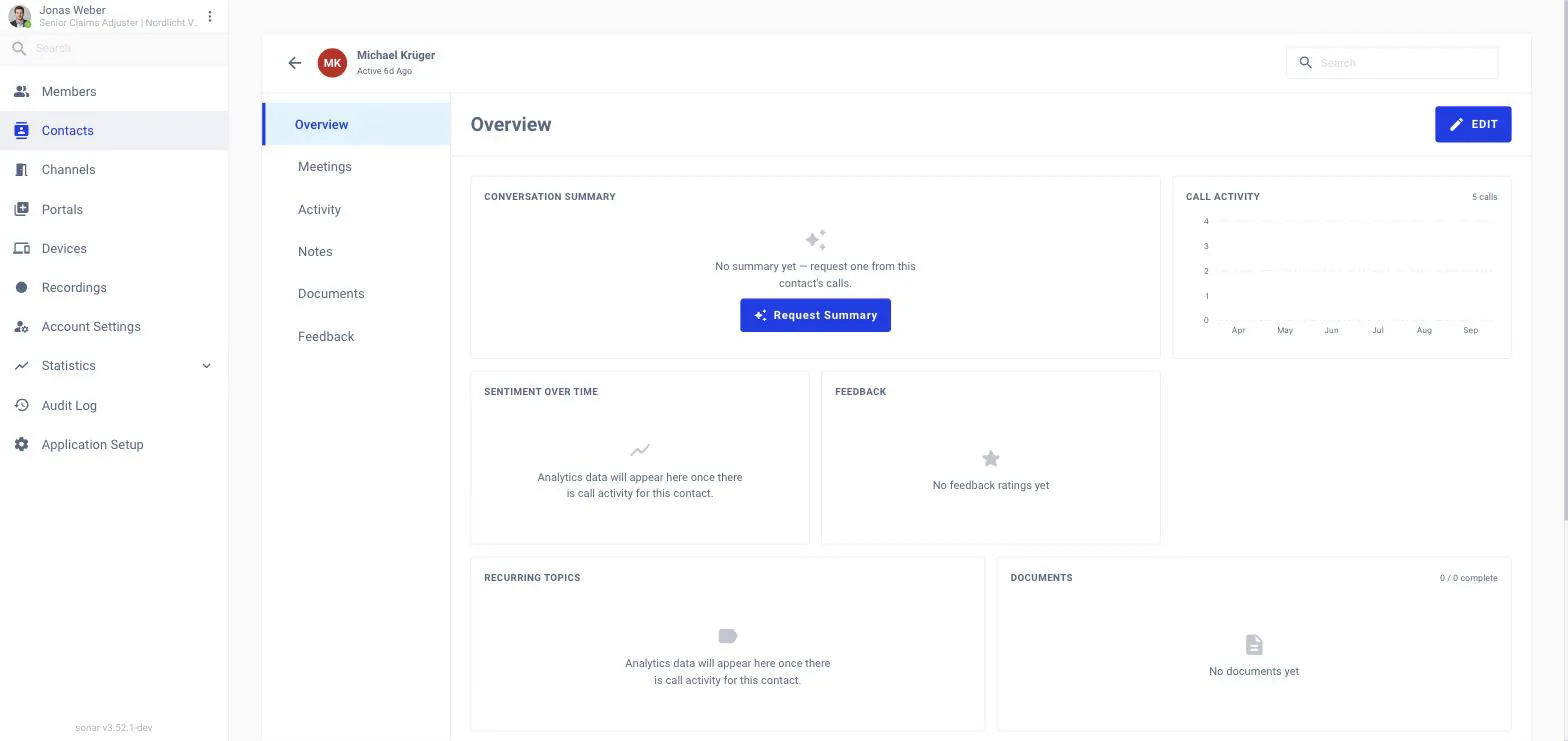
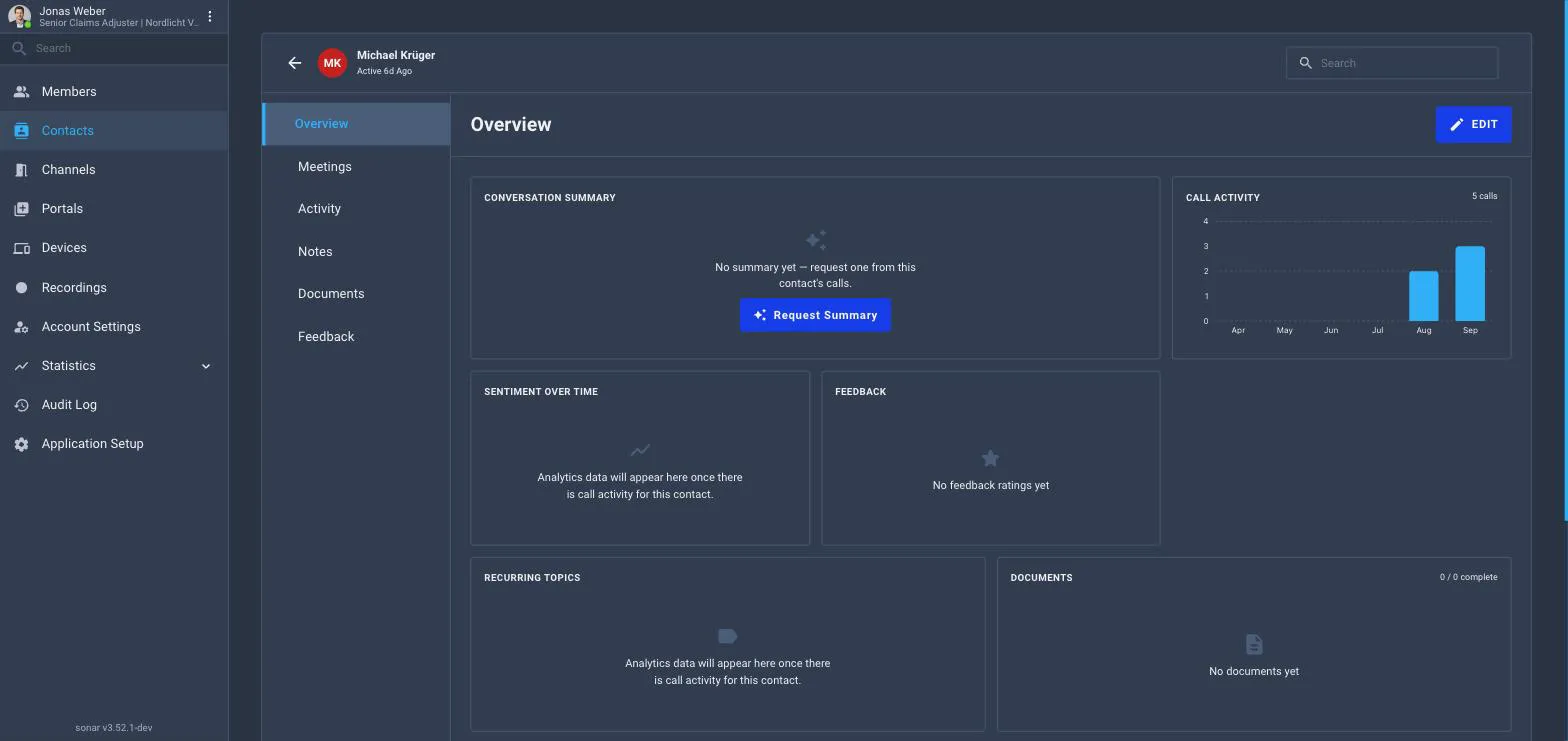
Where you see it
Open Contacts, pick the customer and stay on the Overview tab. The Conversation summary card at the top carries the running summary with a Last refreshed stamp and a Refresh button. Below it, Sentiment over time, Recurring topics, Call activity and Feedback draw on the same calls. The Activity tab lists the individual calls.
How it works
-
Calls are linked to a contact when the guest is identified during or after the call (contact identification, or check-in with a known email or phone number).
-
When a member opens the contact, SmartMeet builds the summary from the calls that member is allowed to see, a member who cannot open a call’s transcript will not see it reflected in the summary either. The result is cached until a newer call changes it.
-
Read it on the contact’s Overview tab. Keywords and sentiment are aggregated from the same calls.
Switching it on for the workspace
Application Setup → Smart Meet → Modules → Contact summary. It needs Transcription. Because it is about the contact, not about a portal, the scope you choose decides which portals’ calls are allowed to contribute.