

Sentiment analysis
Dieser Inhalt ist noch nicht in deiner Sprache verfügbar.
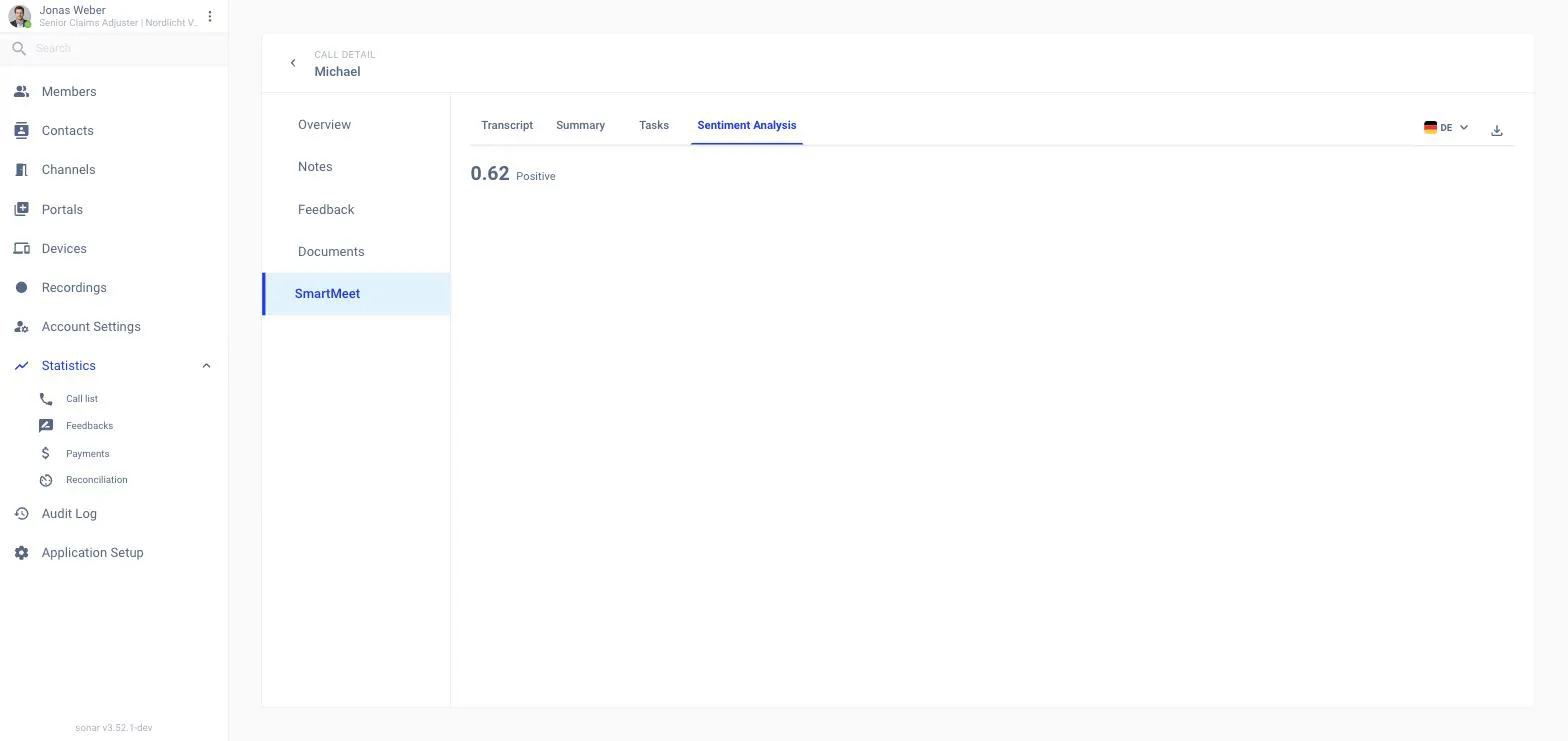
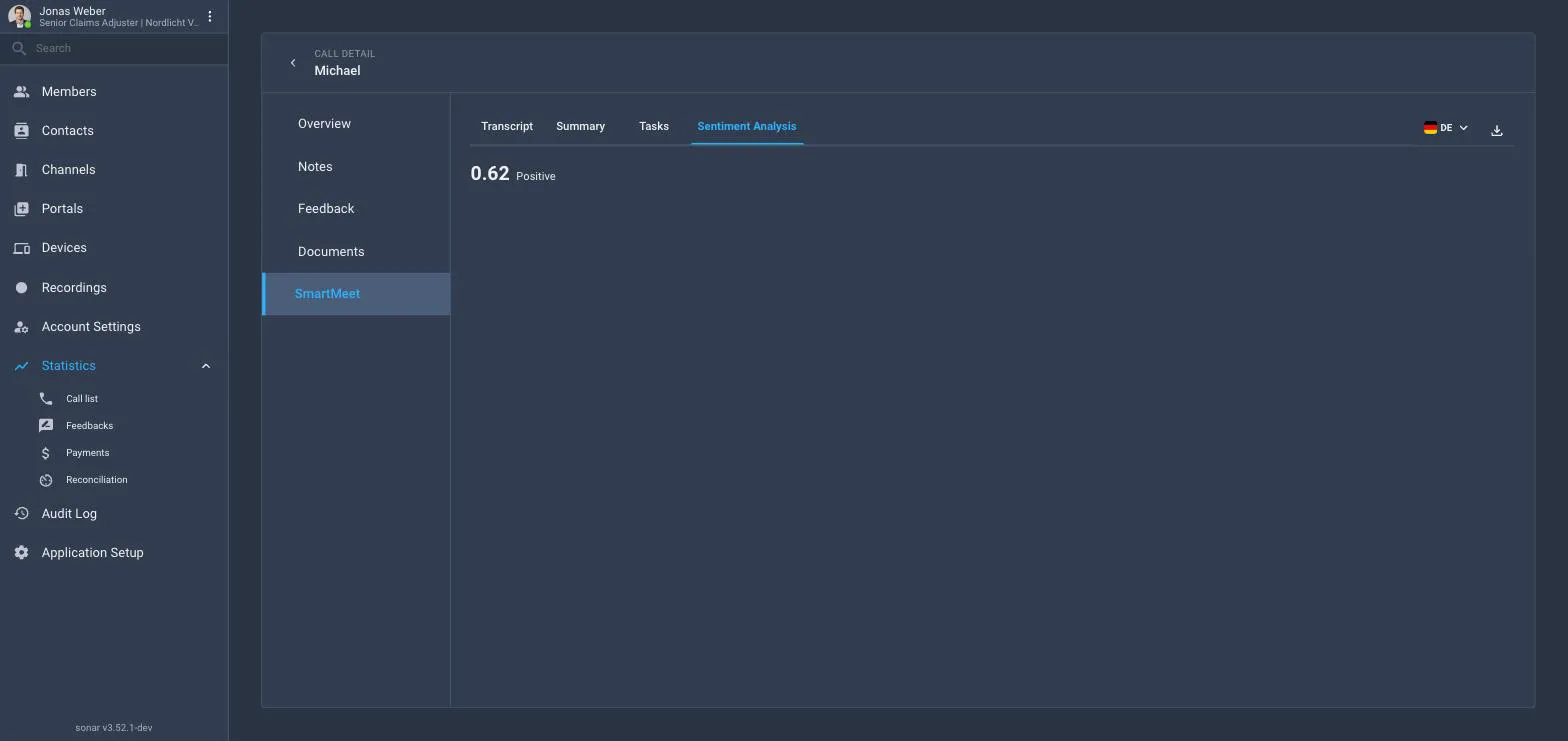
Sentiment analysis reads the tone of the conversation: was the customer calm, satisfied, mixed or upset? Smart Meet stores a short written read, a score from −1.00 (negative) to +1.00 (positive) and a label: negative, neutral, mixed or positive.
Where you see it
In the channel Call Log
Open a past call from the phone tab of the left panel or from the Home page. The Sentiment Analysis card shows the written read.
In the back office
Statistics → Call list → call → SmartMeet → Sentiment Analysis shows the score, the label and the written read.
On the contact
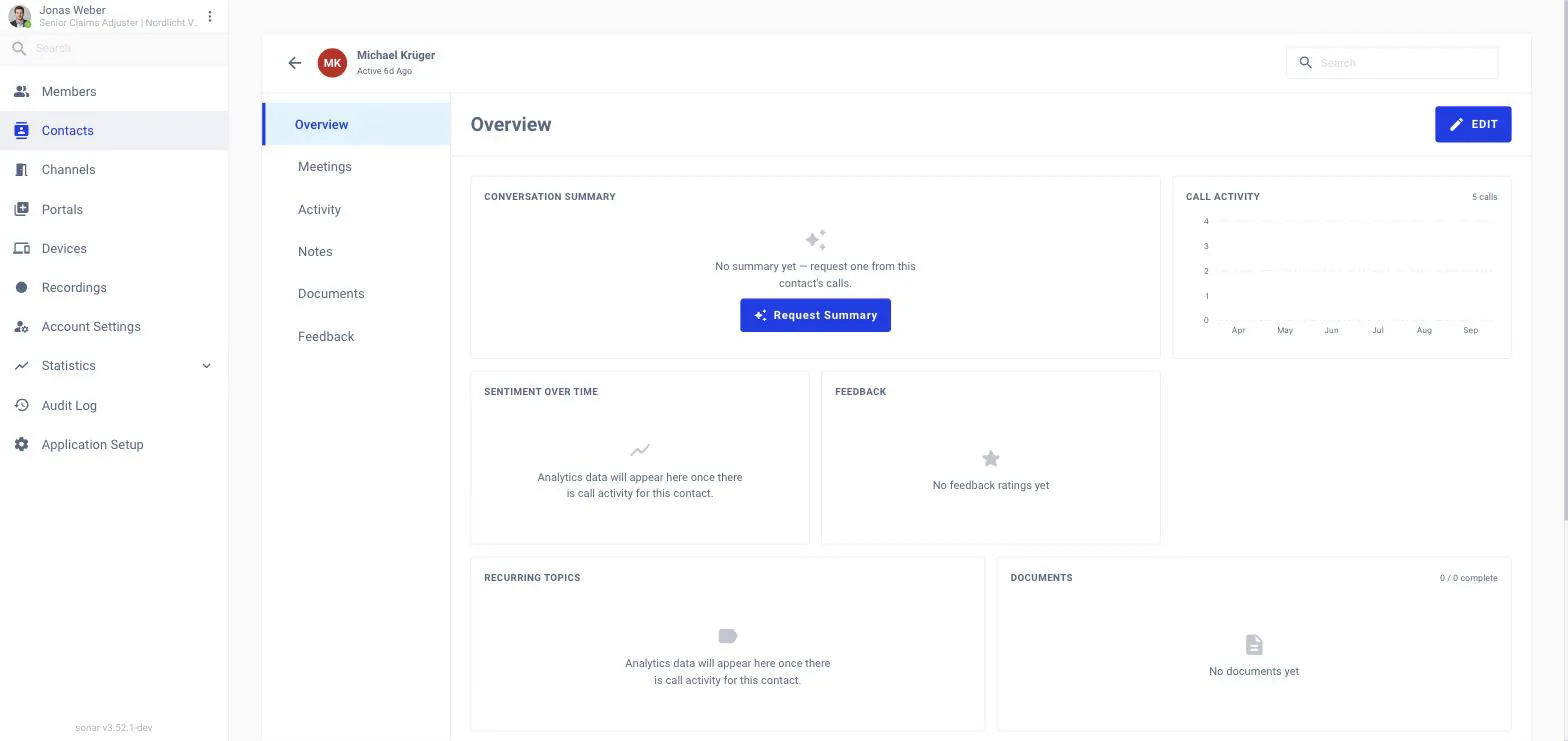
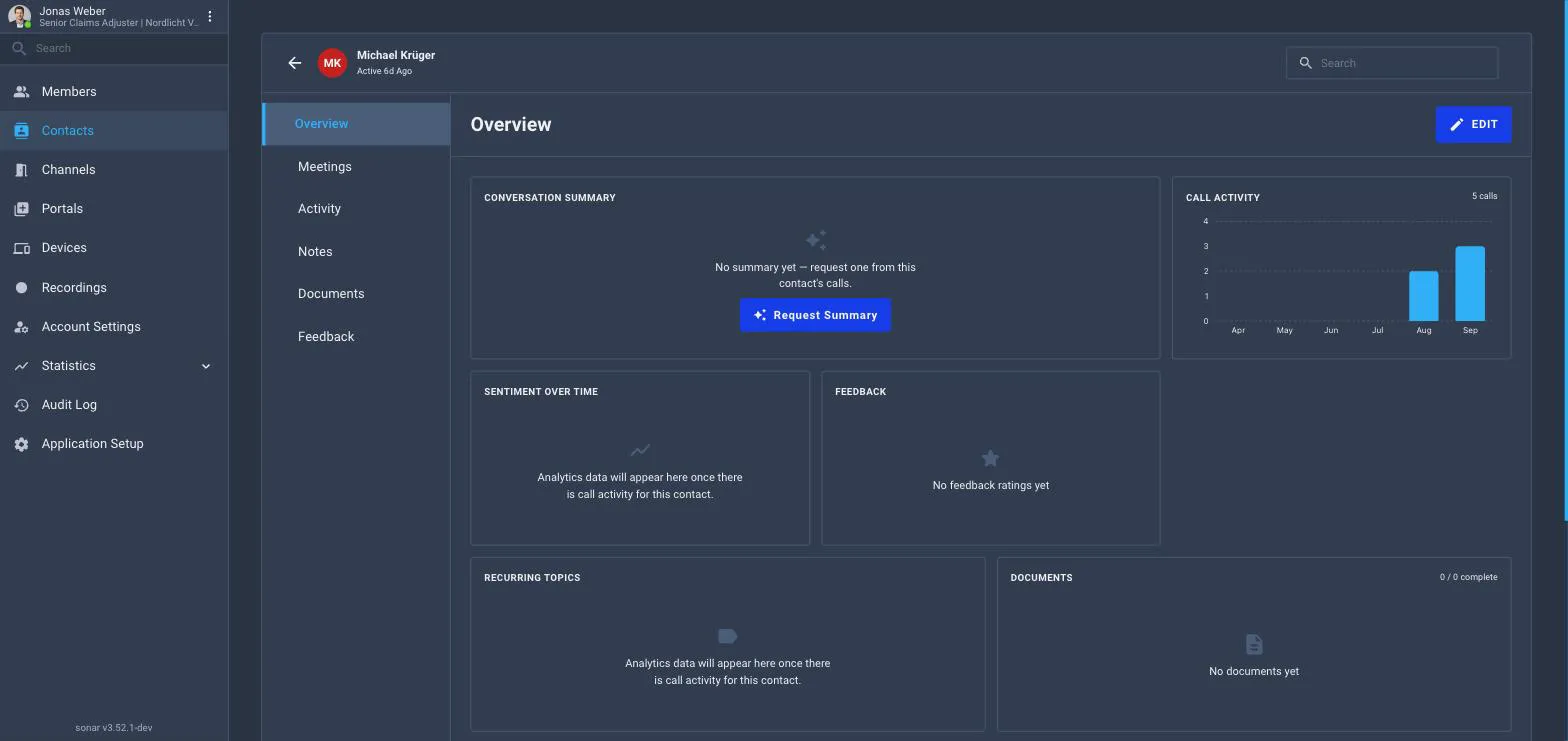
For identified contacts the score of every call is plotted as Sentiment over time on the contact’s Overview, so a colleague sees at a glance how the recent calls went.
Switching it on for the workspace
Application Setup → Smart Meet → Modules → Sentiment analysis. It needs Transcription and follows Transcription’s scope.