

Data retention & consent
Dieser Inhalt ist noch nicht in deiner Sprache verfügbar.
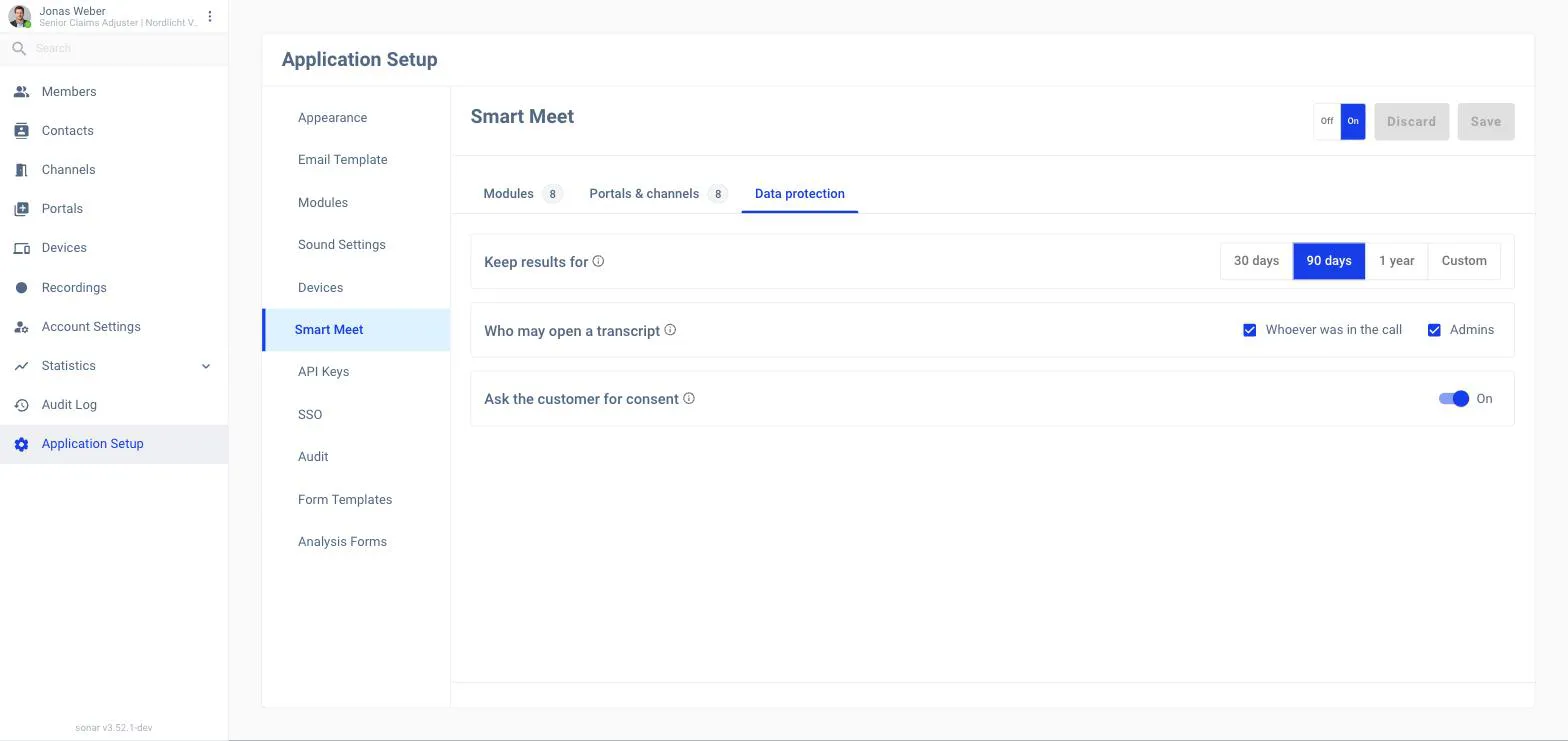
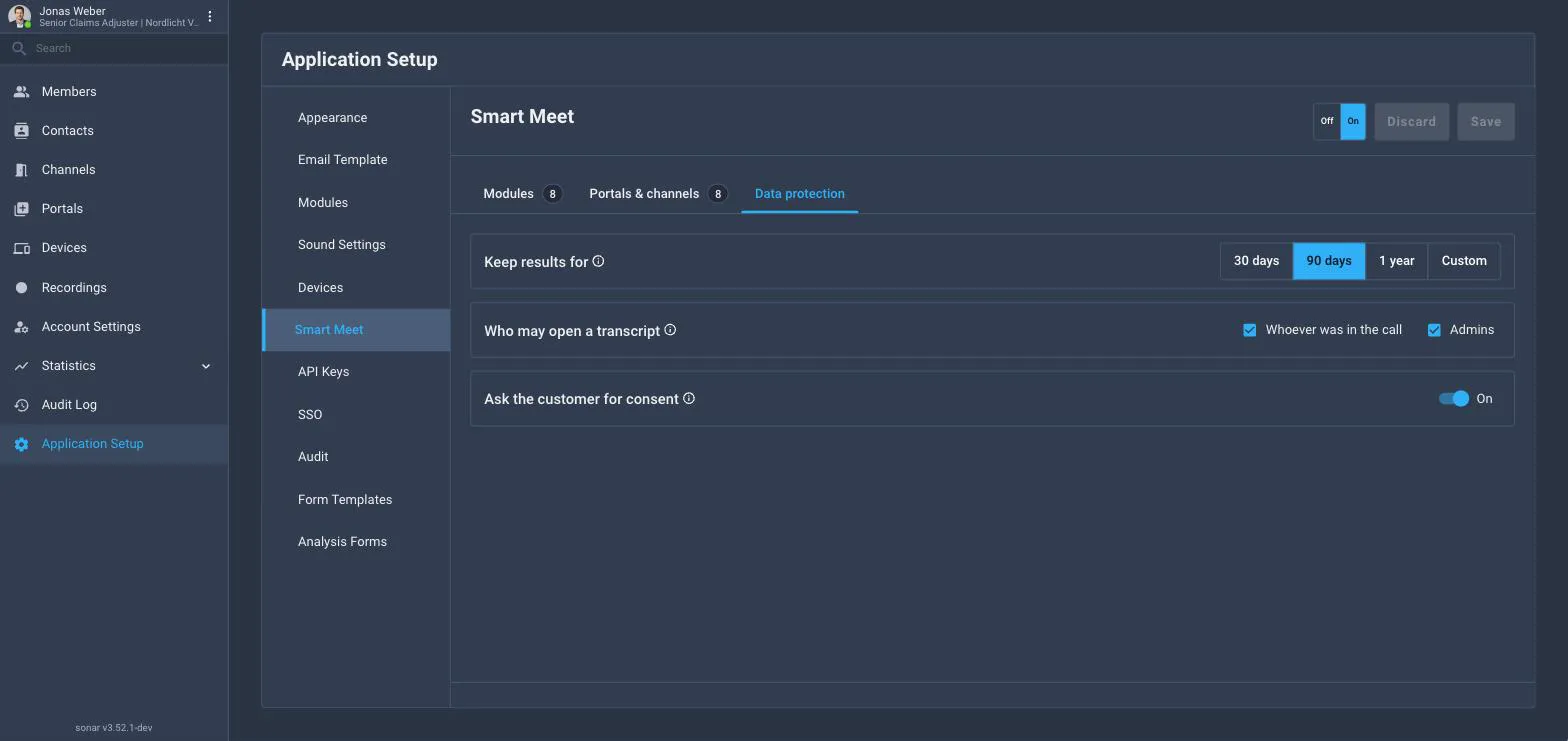
The six after the call modules store a result: the transcript, the summary and the insights drawn from it, damage-analysis photos and findings, and the contact summary built from them. The Data protection tab on Application Setup → Smart Meet decides how long those results are kept, who may read a transcript and whether the customer is asked first.
Where you see it
- Admins: Application Setup → Smart Meet → Data protection (this page).
- Customers: the consent question at check-in or in the call, see below.
- Audit Log: every change to these settings, every consent answer and every nightly sweep is recorded under Audit Log in the back office.
Ask the customer for consent
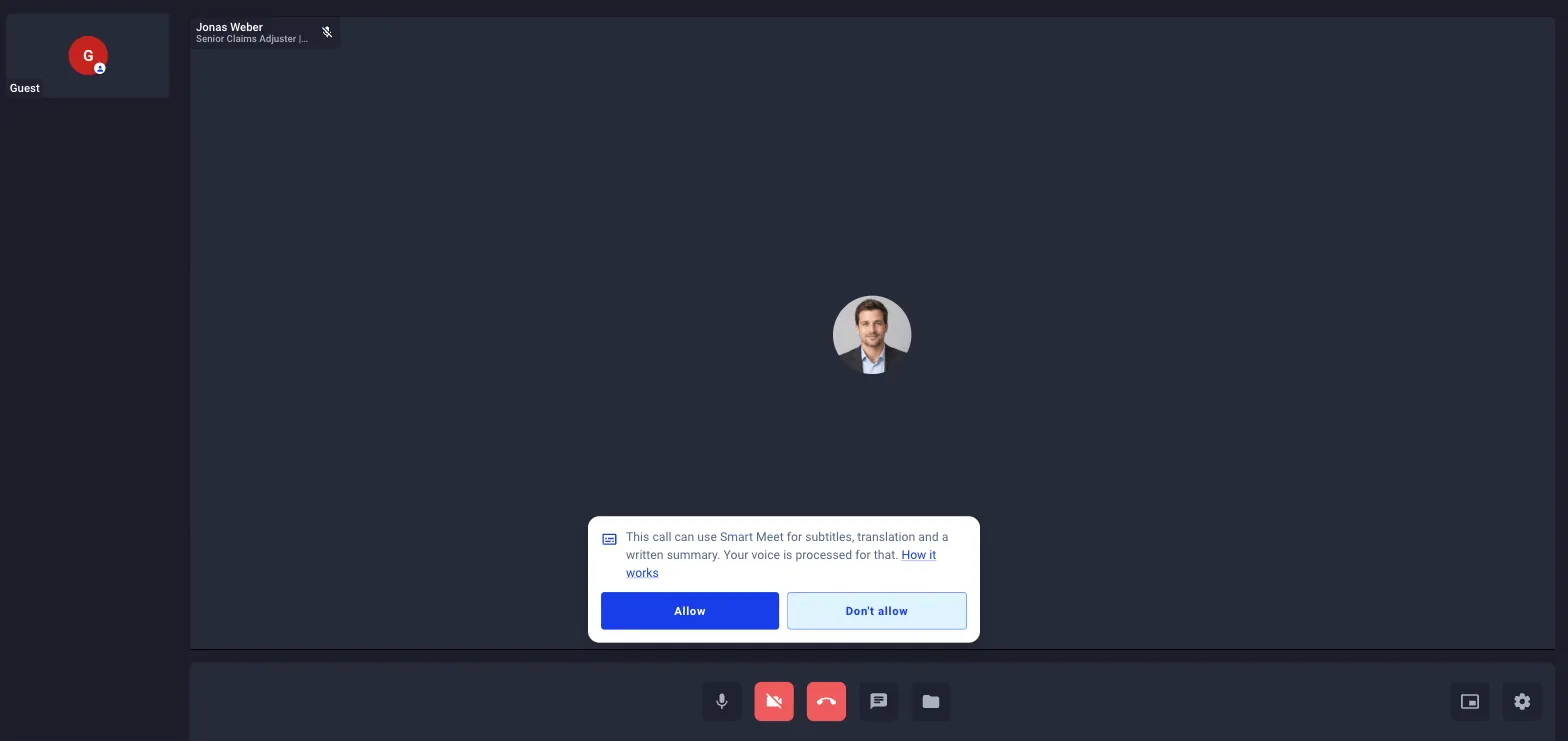
Consent is a question, not a notice. While the switch is on (the default), every guest is asked, at check-in or in the call, whether what they say may be used for subtitles, a transcript, a summary and translation:
What you say in this call can be used to create live subtitles, a written transcript and a short summary afterwards. Your voice can also be translated for the other person, and theirs for you. Your words are used only for this call. Do you allow this?
- Nothing reaches SmartMeet until every guest has allowed it.
- One Don’t allow keeps SmartMeet off for that call; the agent cannot override it.
- Each answer (who, when, allowed or declined, which text version) is stored on the call record, the auditor’s line.
- Only unauthenticated participants are asked; members are covered by their employment terms.
Switching consent off means AI processes calls without asking. The change is recorded in the change history.
Stored results
| Setting | Location | What it does | Default | Role |
|---|---|---|---|---|
| Keep results for | Application Setup → Smart Meet → Data protection | 30 days, 90 days, 1 year or another number (0 – 3650). How long the transcript, summary, sentiment, tasks, damage-analysis content and contact summary of a call are kept, counted from the call's creation. The tab shows roughly how many results are older than the chosen period and will be erased on the next run. | 0, keep until deleted by hand | Admin |
| Who may open a transcript | Application Setup → Smart Meet → Data protection | Whoever was in the call, the member who was in it, and/or admins. Controls reading a transcript afterwards, not starting SmartMeet in a call. It also limits which calls feed a member's view of a contact summary. | Whoever was in the call · Admins | Admin |
| Ask the customer for consent | Application Setup → Smart Meet → Data protection | Whether every guest is asked before their voice is used for subtitles, transcript, summary or translation. Switching it off is recorded in the change history. | On | Admin |
What is erased when the time is up
- The written transcript of the conversation
- The summary and the insights drawn from it (sentiment, tasks, keywords)
- Damage-analysis photos and their results
- The contact summary that was built from them
What is never touched
- The conversation itself: who, when, how long
- Contacts and their details
- Call recordings, which have their own setting
- The record of what was erased and when
Recommended settings
| Situation | Suggestion |
|---|---|
| Claims handling with regulatory retention | Set Keep results for to your file-retention period (typically 1 year or another number); keep consent on. |
| Internal support desk, members only | Consent can be off (no guests); 90 days keeps summaries useful without hoarding transcripts. |
| Pilot / evaluation | 30 days, consent on, transcript access limited to Admins. |