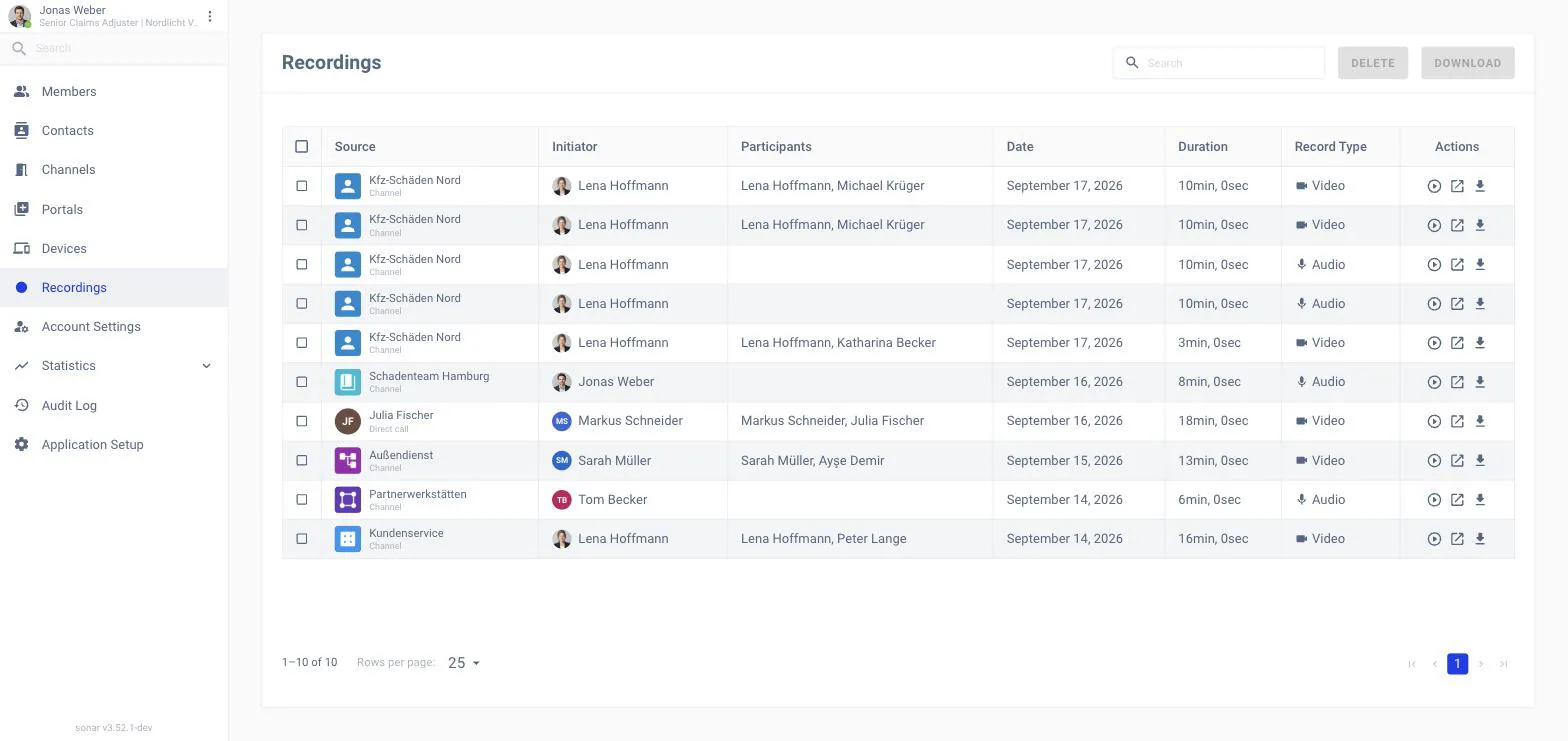
Recordings collects the recorded calls in your workspace so you can review or
download them later. Open it from Recordings in the back-office navigation.
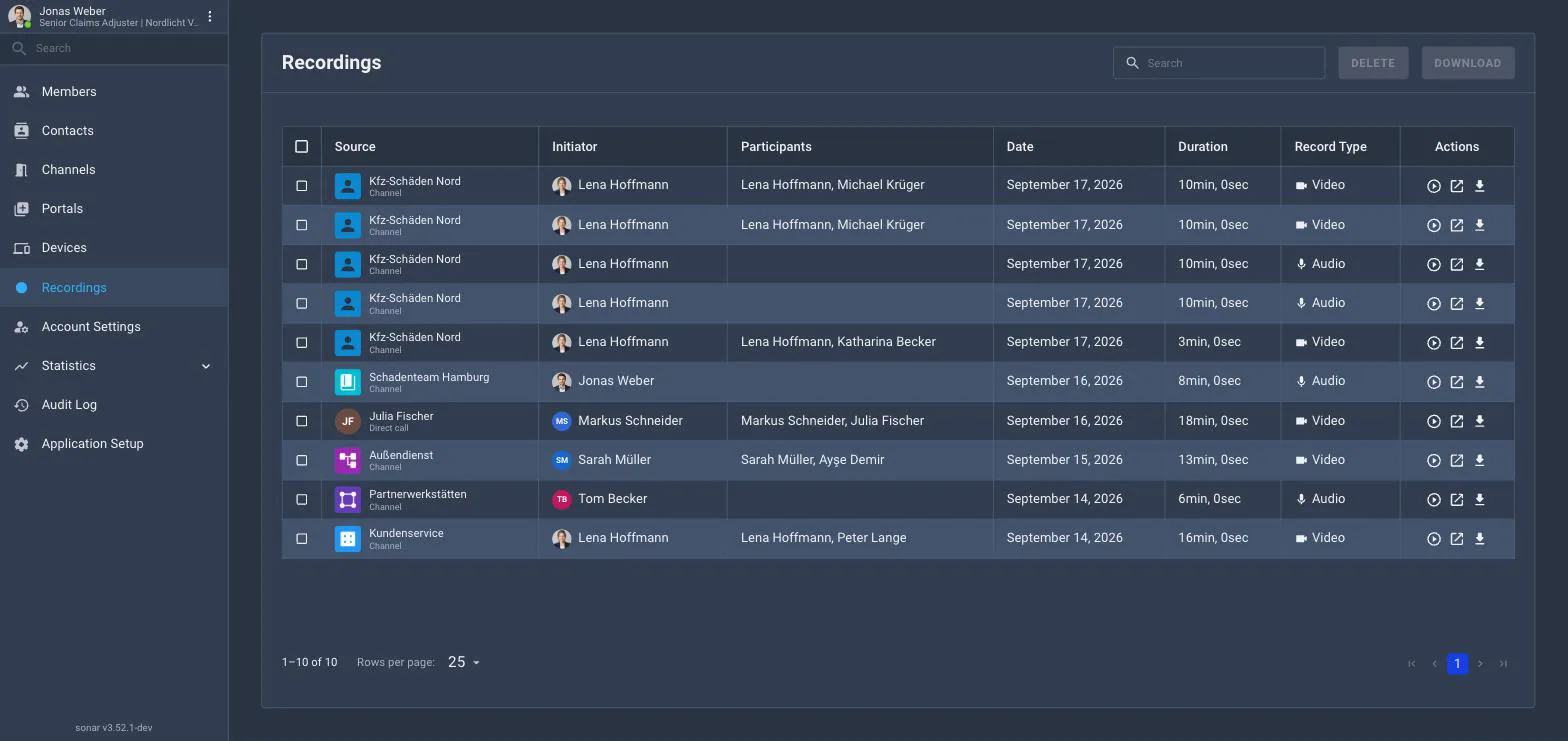
The Recordings list.
What the list shows
Each recording shows its file name, the initiator who recorded it, the
participants, the date, duration, and record type — Video or
Audio. Use search to find one.