

Team chat
Organize conversations in Channels and one-to-one Direct Messages, with files and history kept per conversation.
Sonar is a video-conferencing and remote-service platform. It connects your organization’s agents with each other and with external customers over video — with nothing to install for the customer, who joins straight from a browser link. In the product’s own words:
Sonar connects people and helps them stay in touch, even across distances. Great projects are built through strong communication.
Beyond simple calls, Sonar brings team chat, scheduled meetings, a customer-facing video contact-centre, document signing, in-call payments and an AI layer into one place — so an entire remote interaction, from first contact to signed outcome, can happen in a single session.
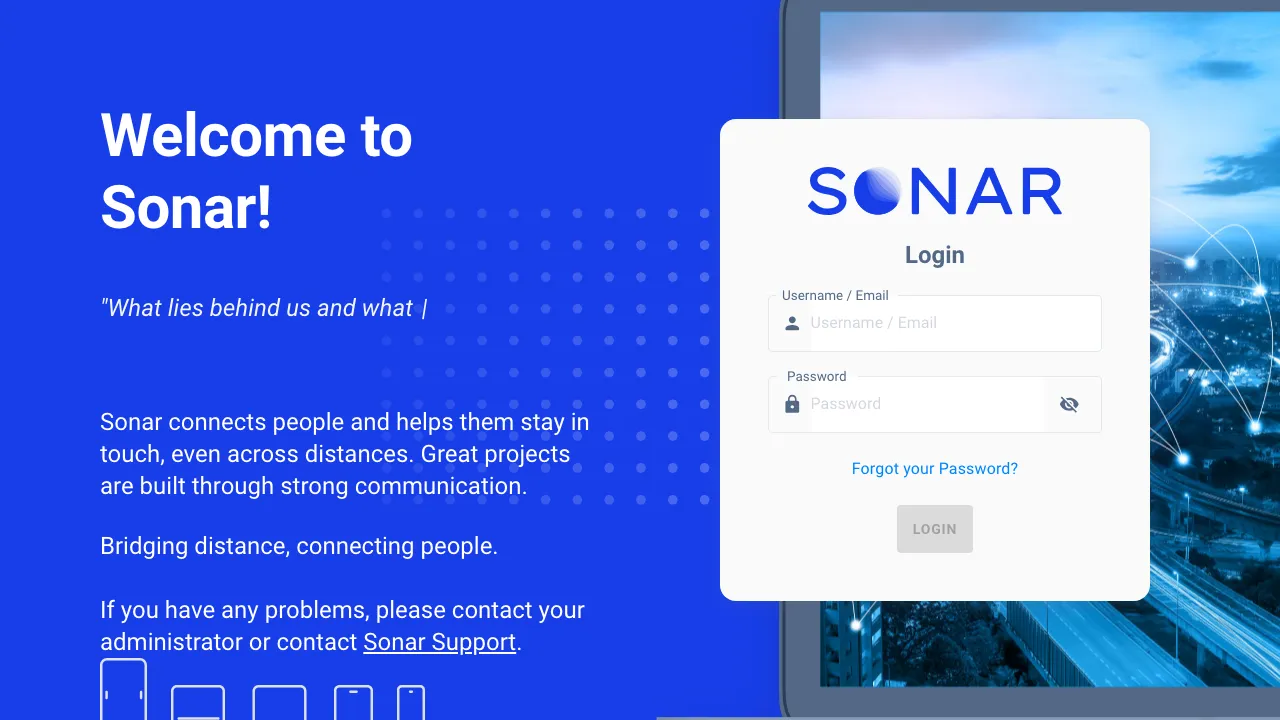
Agents sign in to the Sonar web app with their email/username and password. SSO (OIDC / Microsoft Entra) and LDAP are also supported where an admin has enabled them.
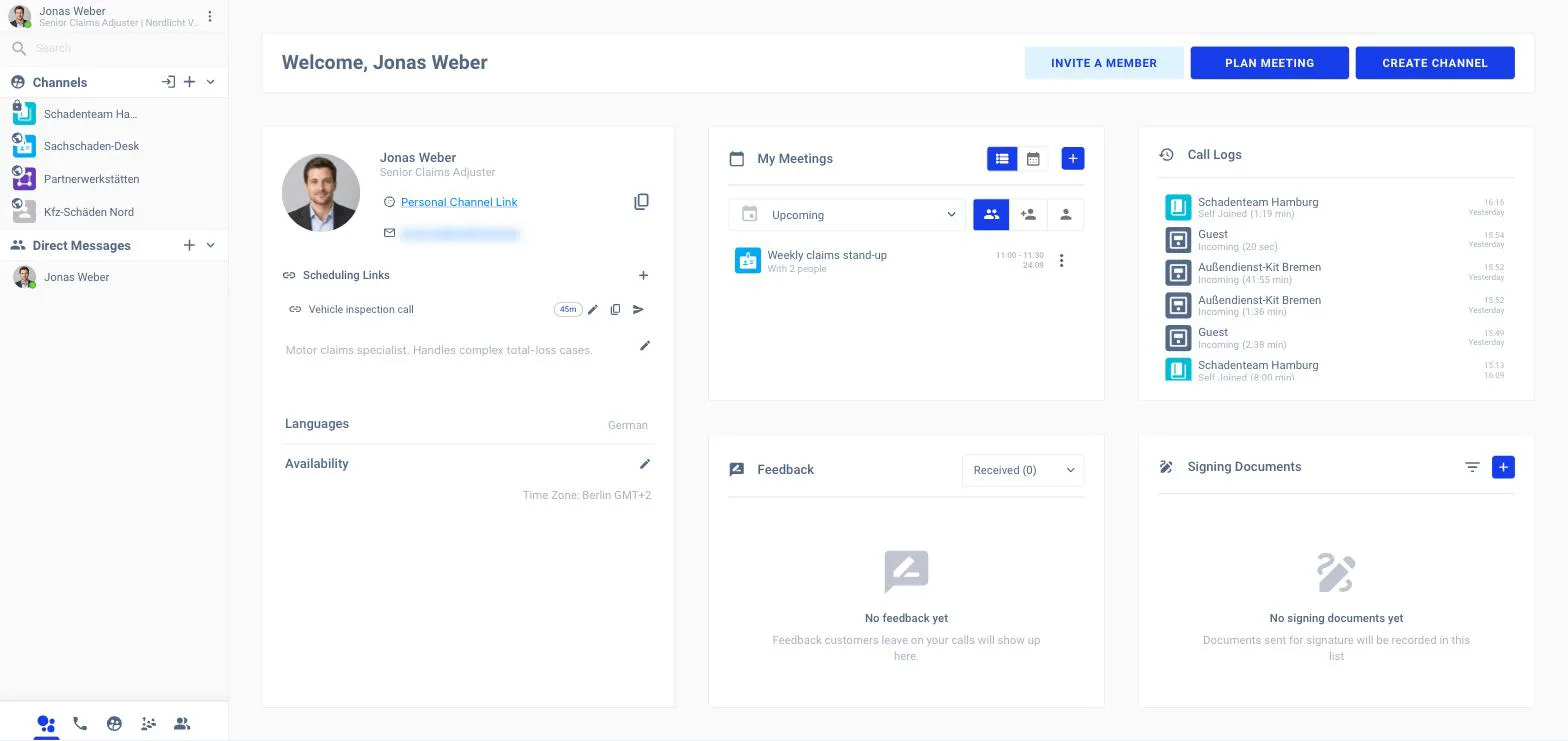
After signing in you land on your home dashboard — your profile, your upcoming meetings, recent call logs, channels and notifications at a glance.
Team chat
Organize conversations in Channels and one-to-one Direct Messages, with files and history kept per conversation.
Video calls & meetings
Start instant calls or Plan Meeting for scheduled sessions, with screen share, virtual backgrounds and a shared whiteboard.
Customer video portals
Portals / Queues let external customers reach an available agent by video — a browser-based video contact-centre with branded waiting screens.
Scheduling links
Share a public booking link so customers can self-schedule a meeting that lands on your calendar.
SmartMeet AI
Live transcription, real-time translation & closed captions, summaries, tasks and sentiment — turned on per call.
AI Damage Analysis
Point the customer’s camera at an object and let AI identify and document damage during the call — for remote inspection and claims.
Document signing & payments
Share and sign documents on a shared whiteboard, and take payments during a call (including via a paired terminal).
Recordings & back-office
Record sessions and manage everything from a back-office: members, contacts, queues, devices, statistics and an audit log.