A device is a Sonar device client — the app running on a shared, physical
device such as a reception kiosk or terminal, so a customer can start a video call
without their own phone or computer. Manage them from Devices in the
back-office navigation.
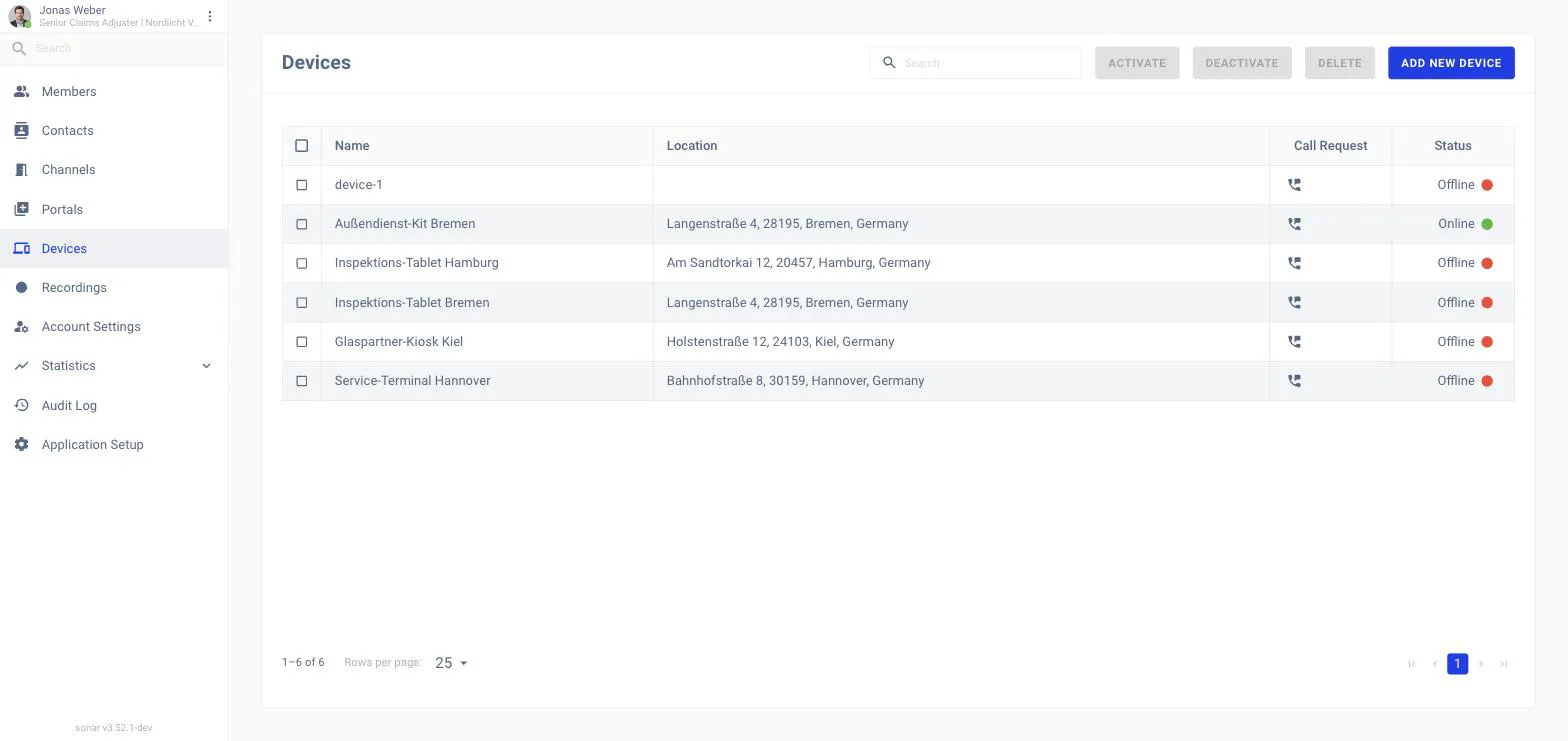
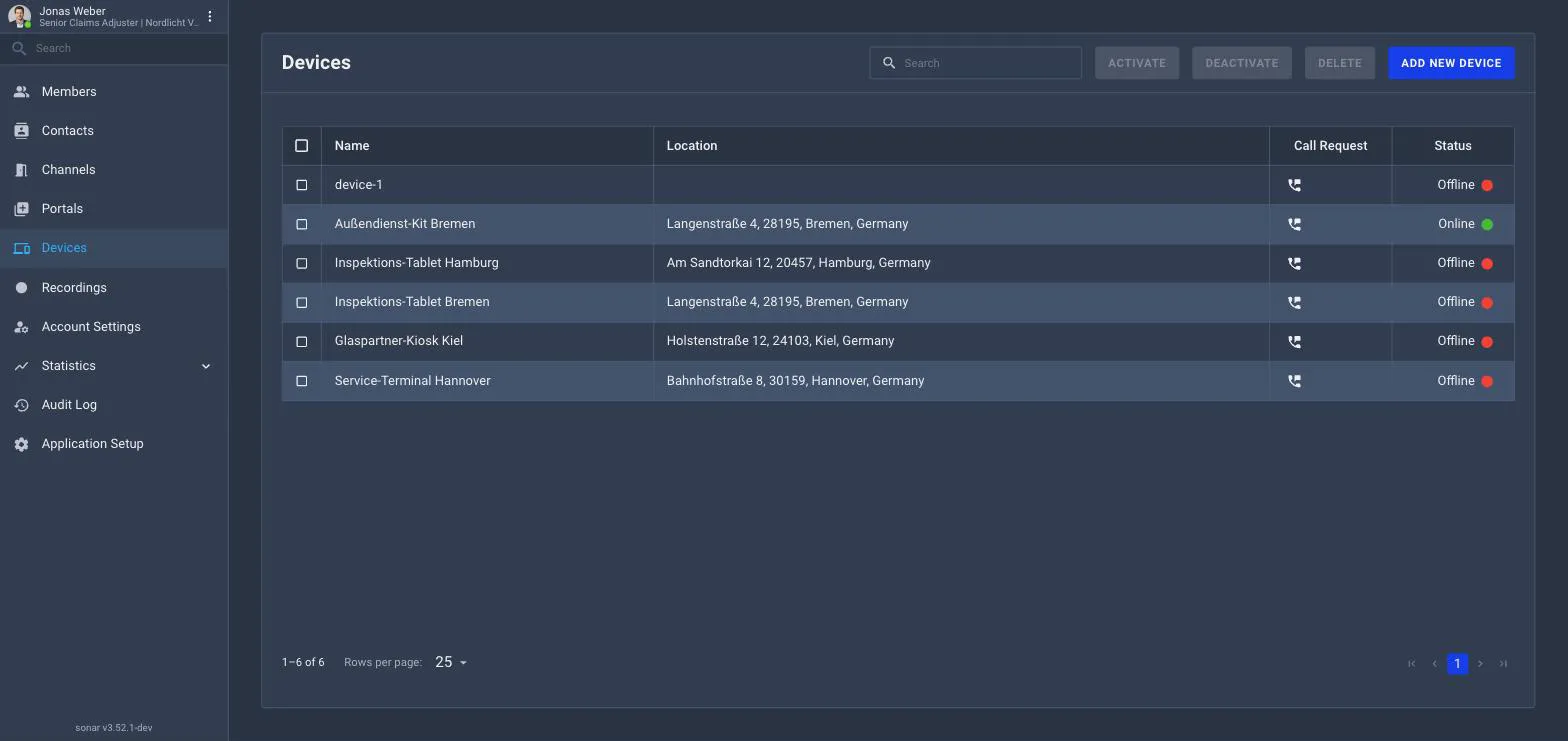
The Devices list.
What the list shows
Each device has a Name, a Location, a Call Request action and a
Status — Online or Offline.
Managing devices
Add New Device to register a device, then set it up on the device itself.
Activate / Deactivate to control whether a device can be used.