

Insurance
Claim intake for water, storm, fire and car damage.
Damage analysis is SmartMeet’s AI for remote inspection. During a call you point the customer’s camera at an object, and SmartMeet’s vision AI identifies and documents the damage, turning a video call into a structured inspection for claims and handovers.
The agent opens the Widgets panel (grid icon at the bottom of the right column) and chooses Damage analysis. The module takes over the main stage: first Who do you want to analyze? (the customer’s camera, or your own), then What should be analyzed? with the form, an optional case / claim number and additional info for Smart Meet. Start analysis begins capturing frames from the chosen camera; the Findings & assistant rail on the right fills up as Smart Meet works.
The captured photos, the findings and the report are stored on the call. They appear on the call’s Damage analysis card in the channel Call Log and on the call’s detail page in the back office.
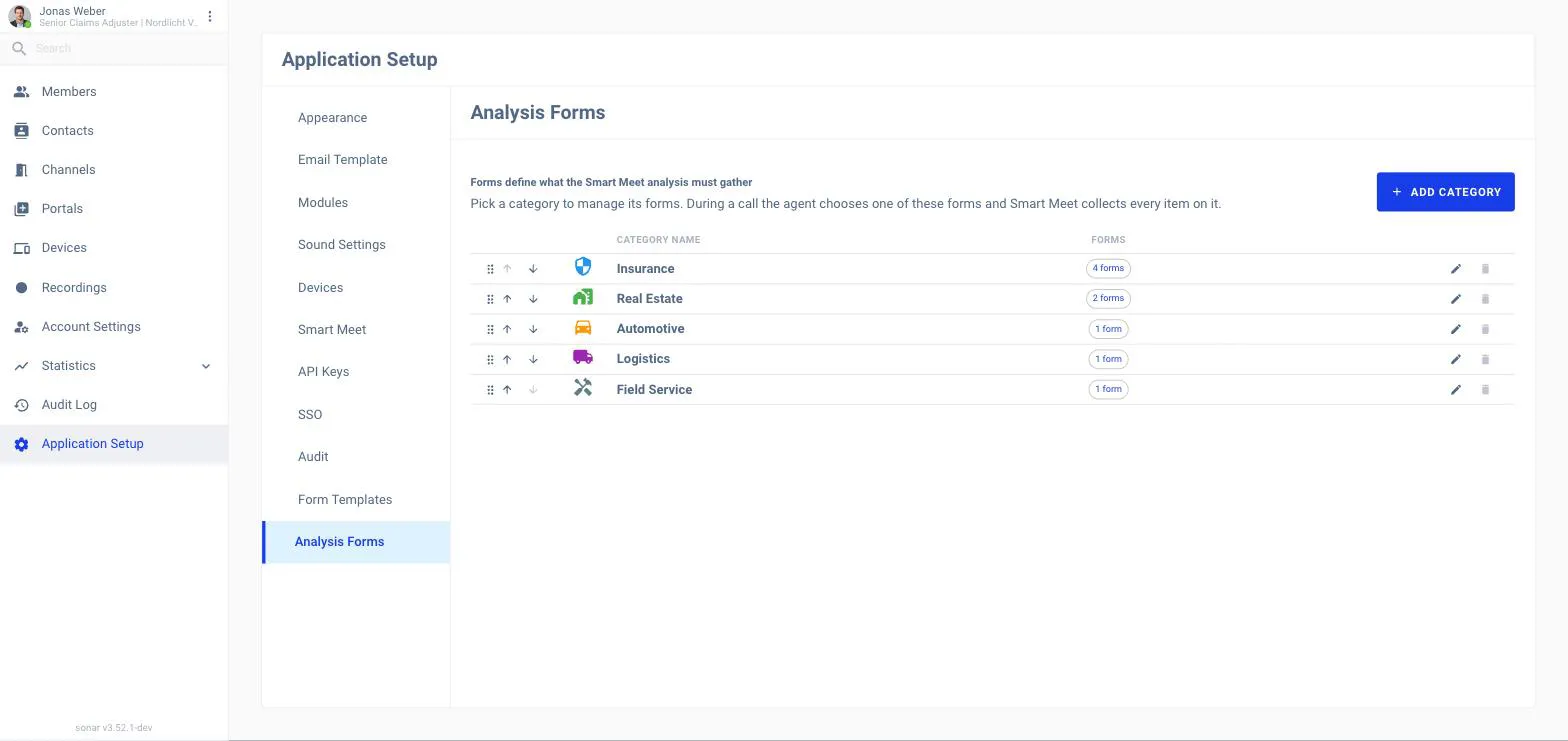
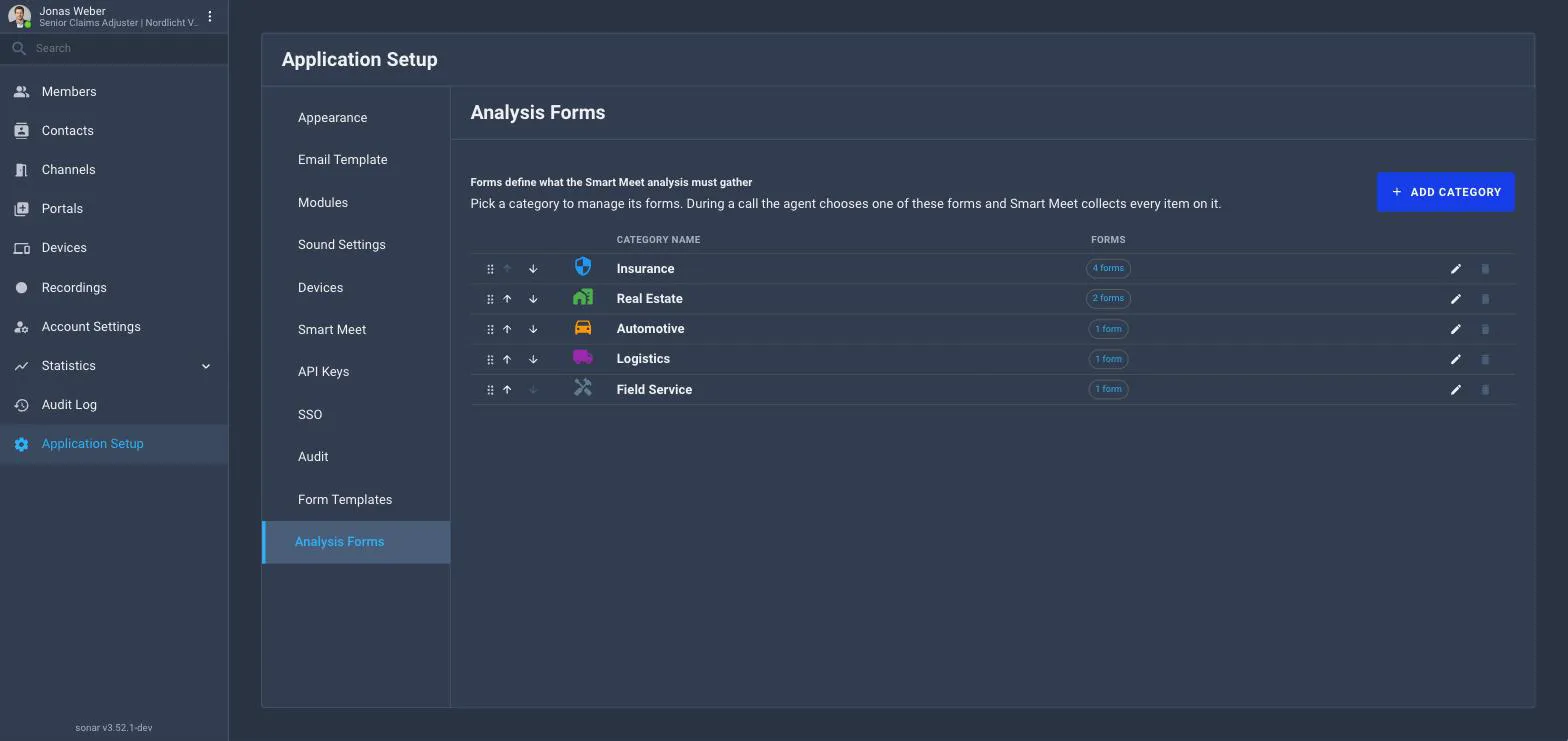
Admins manage the Analysis forms (categories and the items each form must collect) under Application Setup → Analysis Forms, and switch the module on per portal under Application Setup → Smart Meet.
In a call, choose an analysis form for what you’re inspecting (for example a car damage claim).
Use Analyze on the participant’s live video. SmartMeet reviews the frames and highlights the damage it finds.
SmartMeet collects every item the form asks for, producing a documented result everyone on the call can see.
Damage analysis is one of the eight SmartMeet modules and is switched on centrally: Application Setup → Smart Meet → Modules → Damage analysis. It stores the captured photos and the result, so it counts as an after the call module for data retention, photos and findings are erased when the retention period ends.
Choose where it runs like any other module (all portals, all except some, or only the ones picked). It does not depend on Transcription. In the call it is available to presenters and moderators only, never to a viewer.
Analysis forms define what an analysis must gather. Admins manage them on the Analysis Forms tab of Application Setup, organised by category.
Insurance
Real Estate
Automotive
Logistics
Field Service