

Admin
Full access — manage members, portals, devices, recordings, statistics, the audit log and Application Setup.
Members are the people in your workspace — your staff. Admins manage them from Members in the back-office navigation.
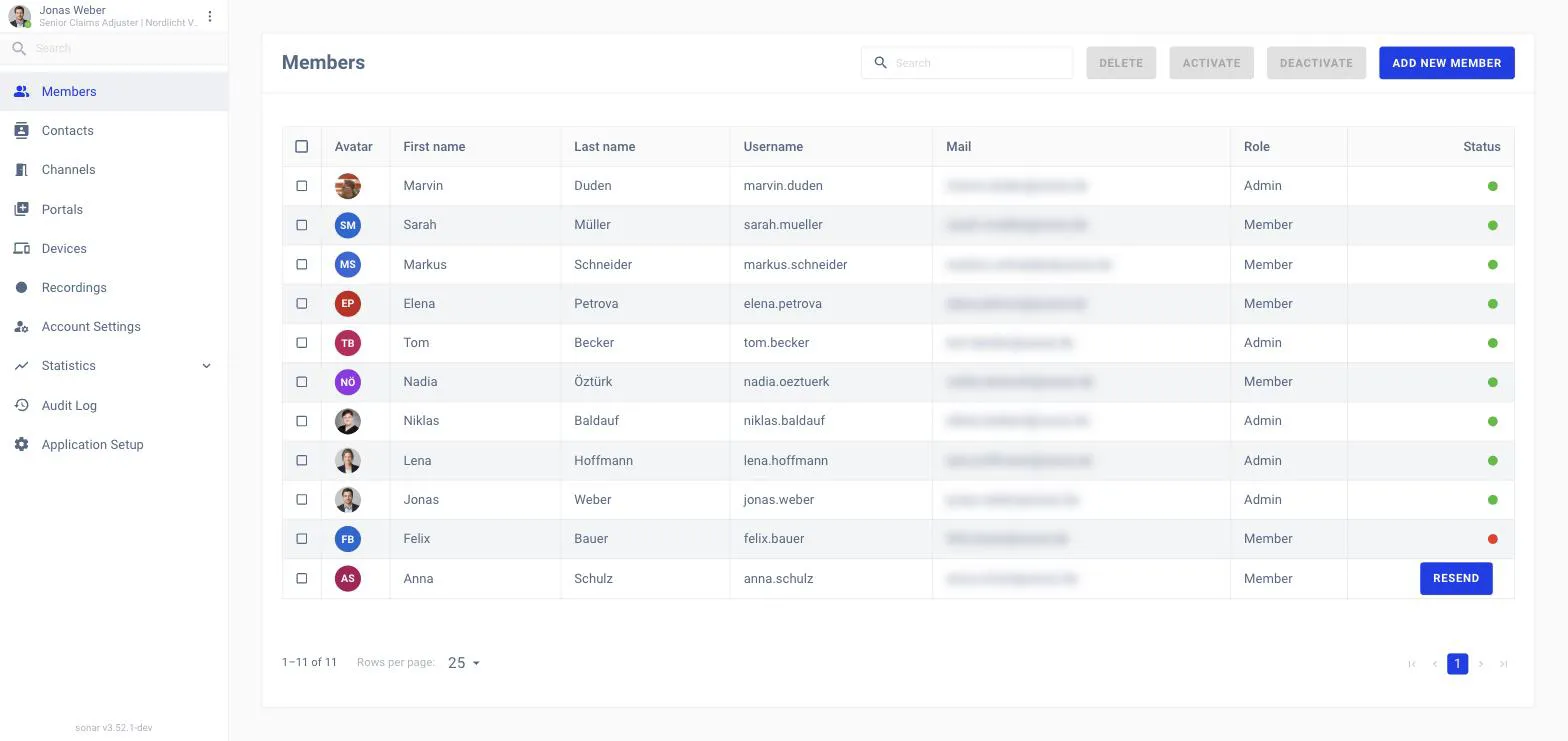
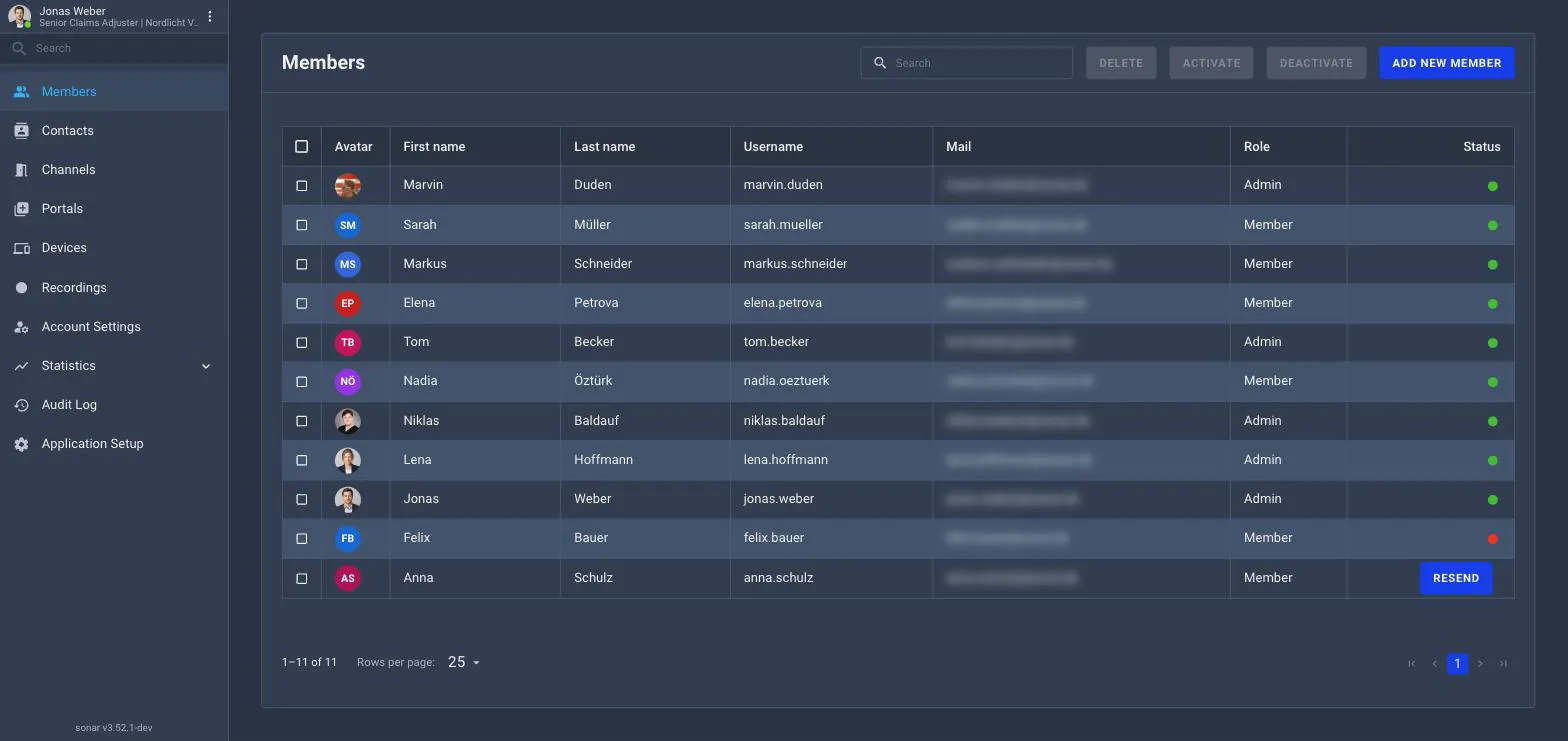
Each row is one member: their name, username, email, role and status. Use the search box to find someone.
Sonar has two workspace roles:
Admin
Full access — manage members, portals, devices, recordings, statistics, the audit log and Application Setup.
Member
The standard role — use channels, calls, meetings and portals they belong to, without workspace-wide administration.
Click Add New Member.
Enter their details and choose a role (Admin or Member).
Save — they can then sign in. (If your workspace uses SSO or LDAP, accounts may come from there instead.)
Select one or more members and use Activate or Deactivate to control access without deleting the account, or Delete to remove it.