Contacts are the external people you interact with — customers and guests —
kept separately from your staff Members. Manage them from
Contacts in the back-office navigation.
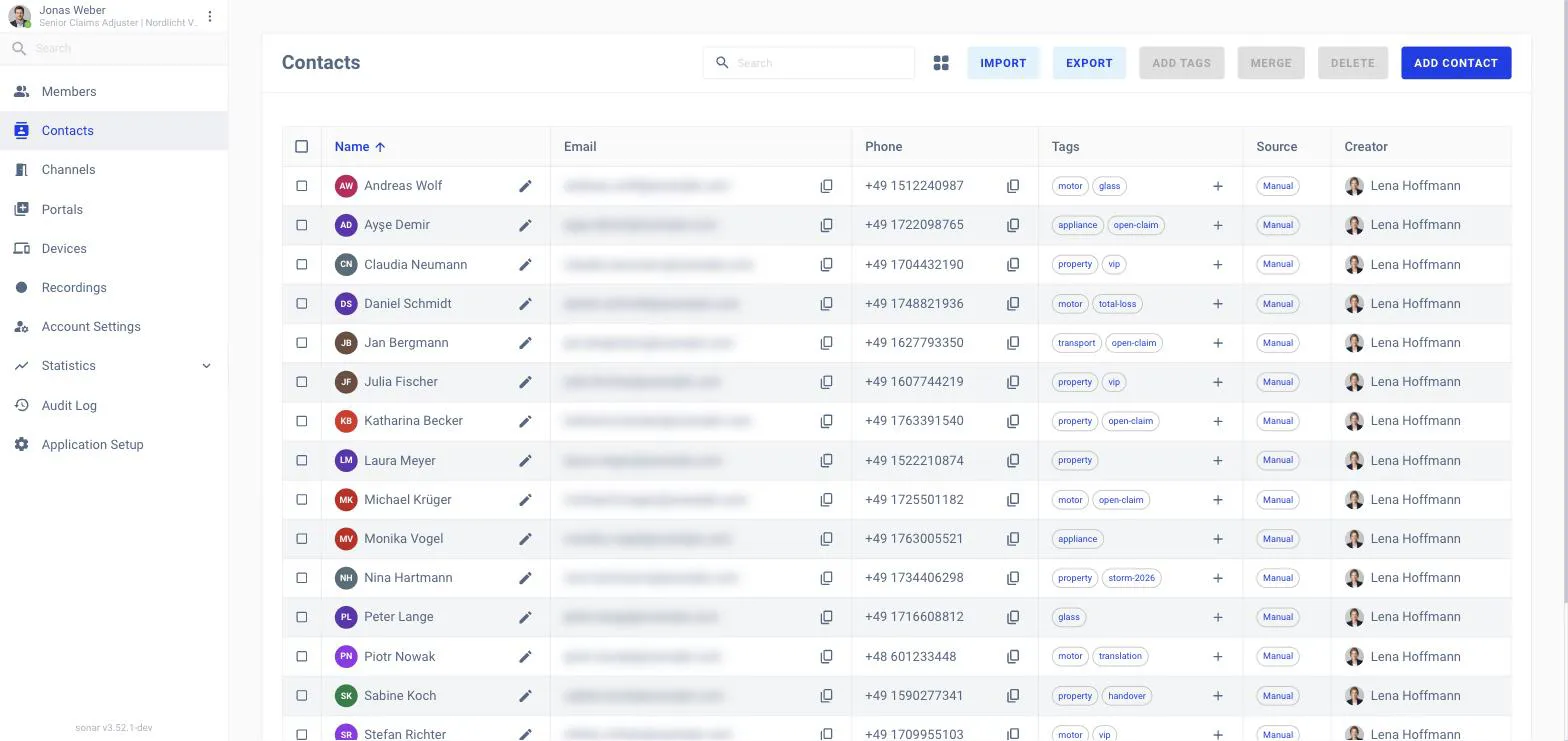
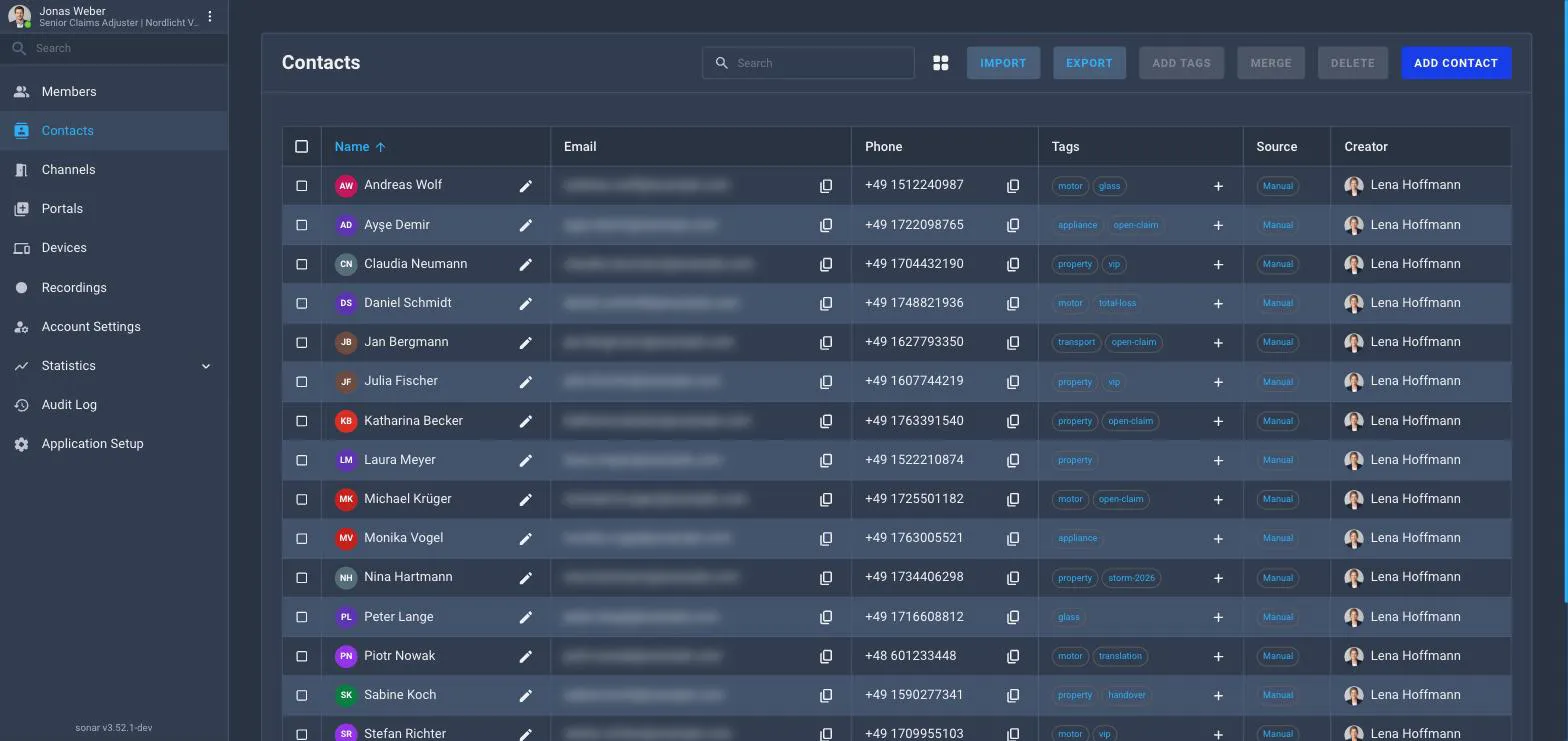
The Contacts list.
What the list shows
Each contact has a Name, Email, Phone, Tags, a Source (where
they came from) and the Creator who added them. Use search to find a
contact.