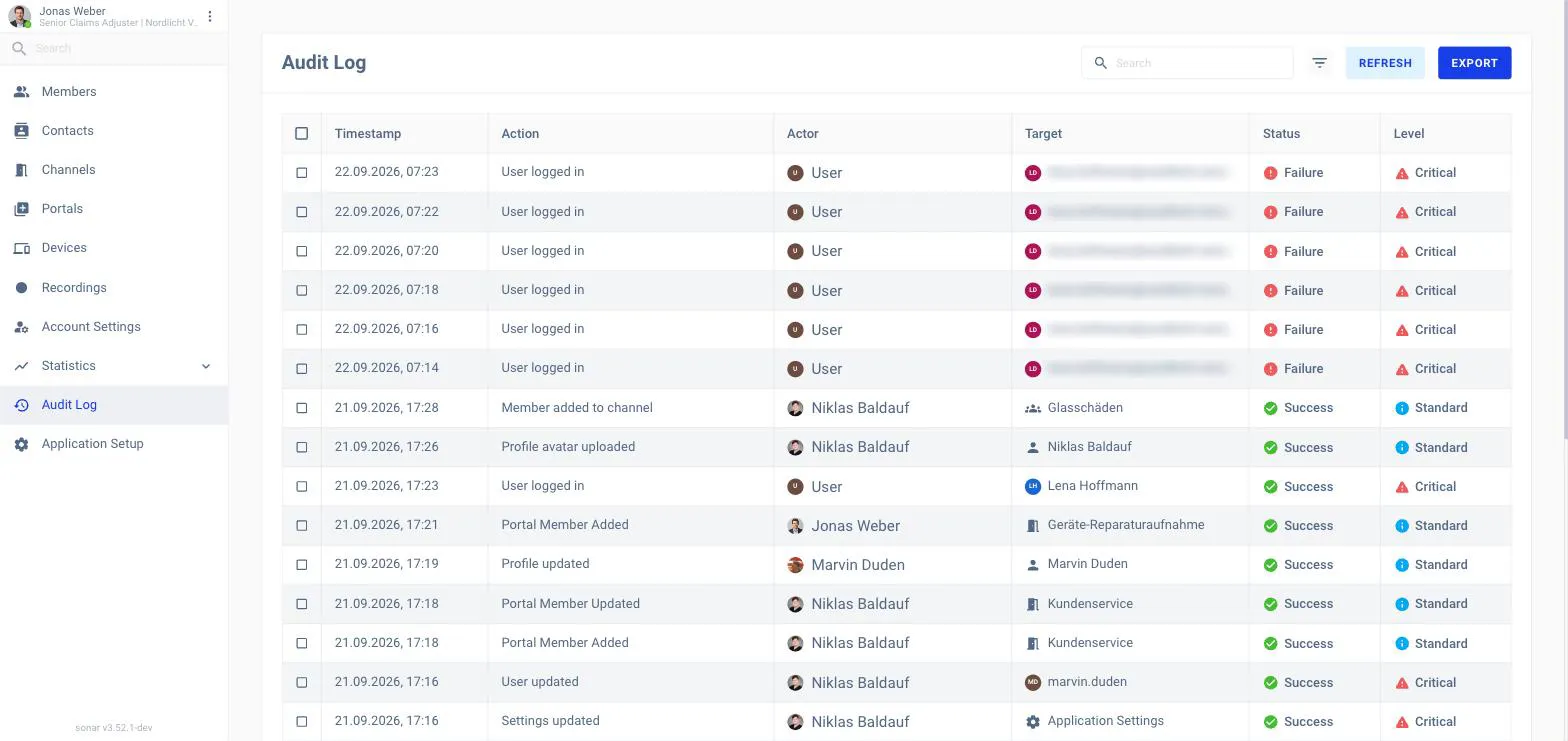
The Audit Log is a record of what happened in your workspace — who did what,
to what, and when — for security and compliance. Open it from Audit Log in
the back-office navigation.
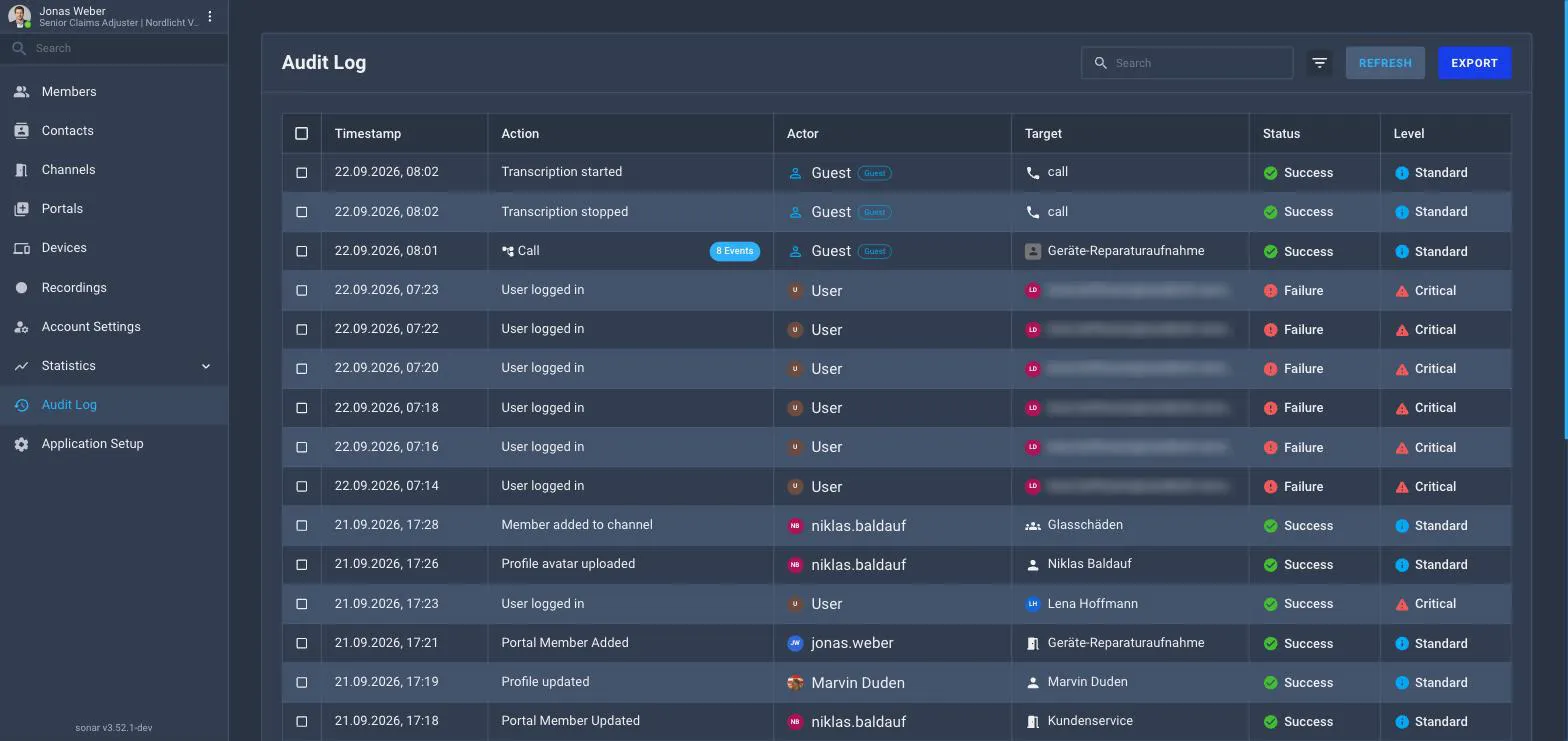
The Audit Log.
What each entry shows
Column
Meaning
Timestamp
When it happened.
Action
What happened (for example User logged in).
Actor
Who did it.
Target
What it was done to.
Status
Whether it succeeded.
Level
Its importance — for example Critical or Standard.
Finding events
Use search and the filter to narrow the log, Refresh to load the
latest events, and Export to download the trail.