

Tasks
Tasks records what was promised during the call, such as send the repair estimate today or attach the inspection photos to the claim, as a list on the call, so nothing agreed on the phone gets lost afterwards.
Where you see it
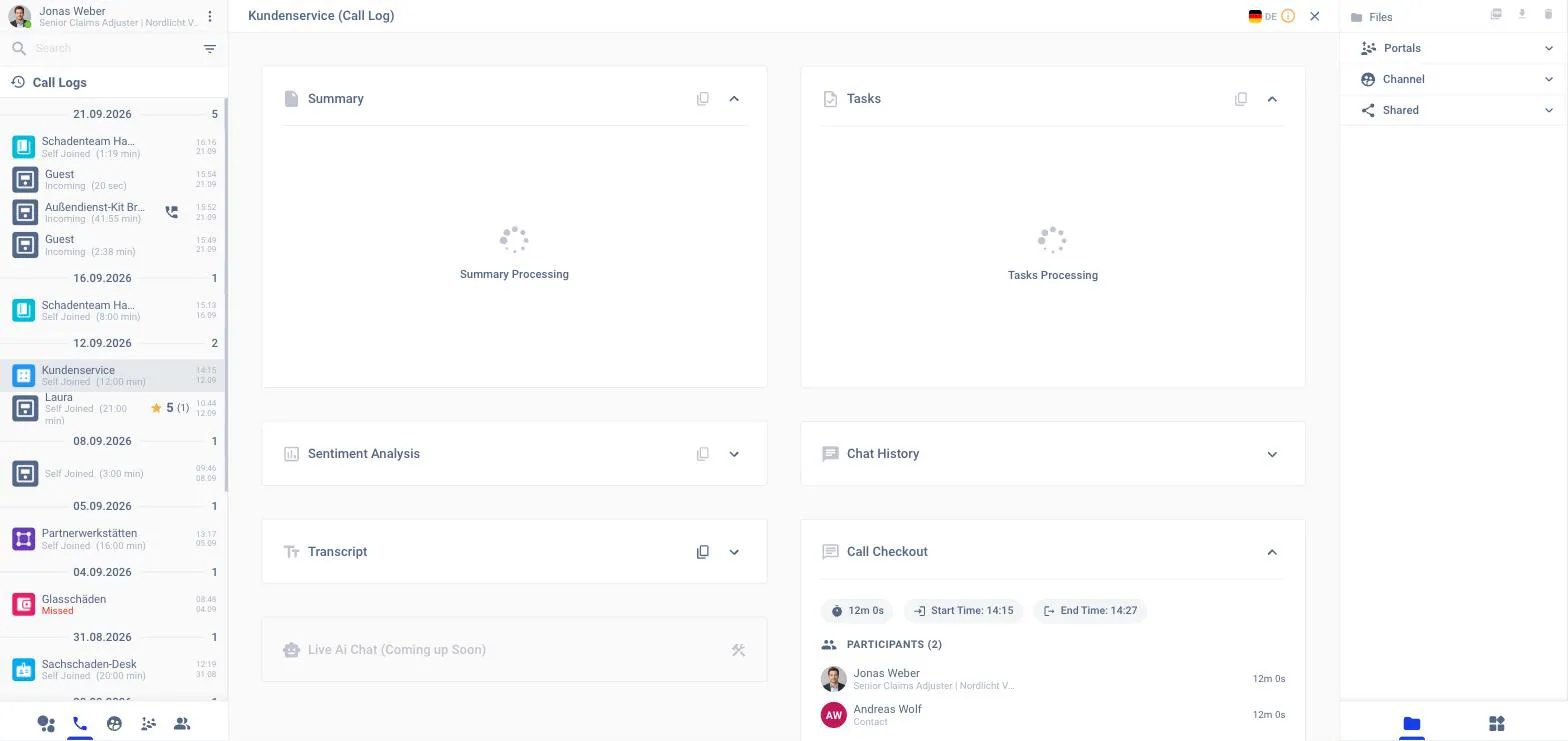
In the channel Call Log
Open a past call from the phone tab of the left panel or from the Home page. The Tasks card sits next to the Summary.
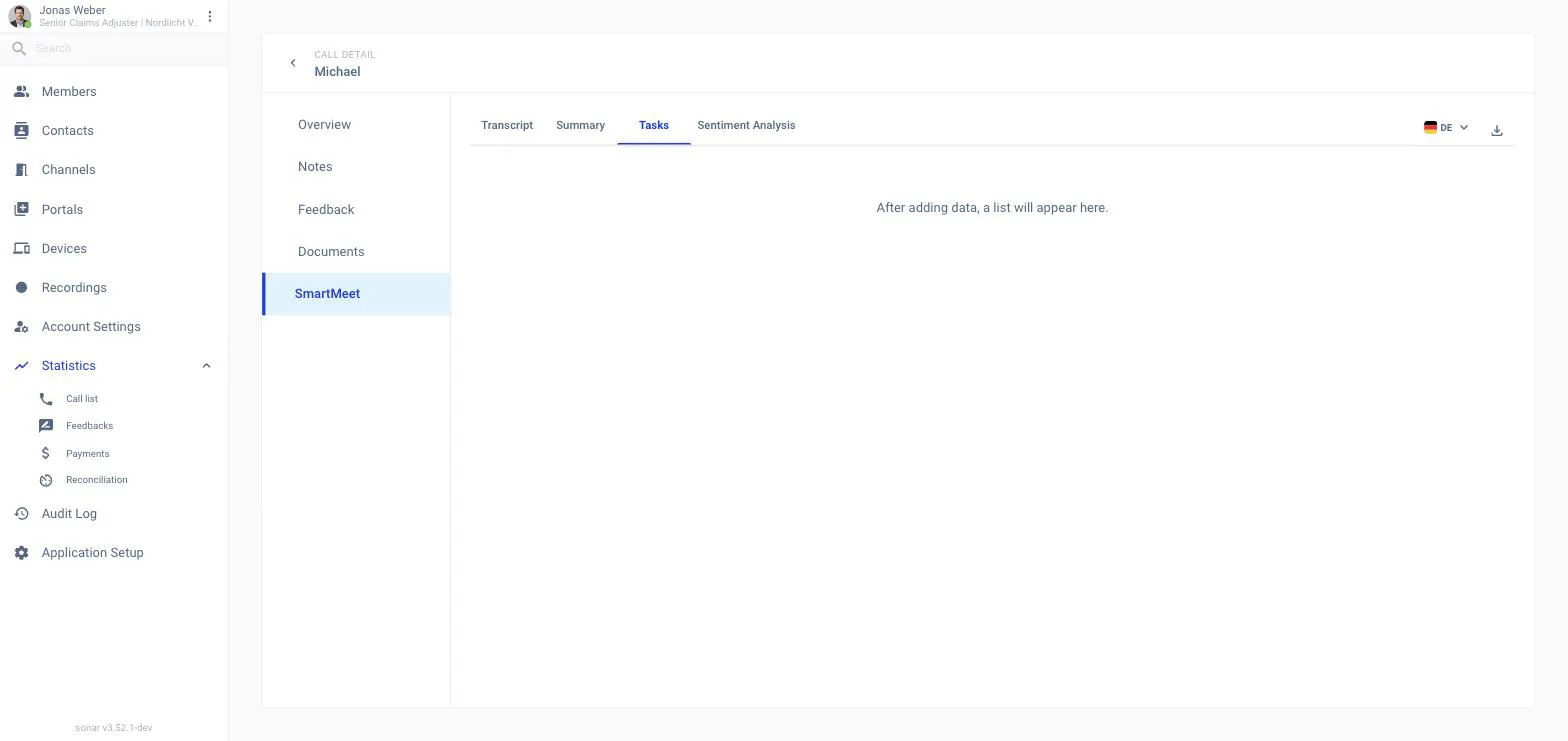
In the back office
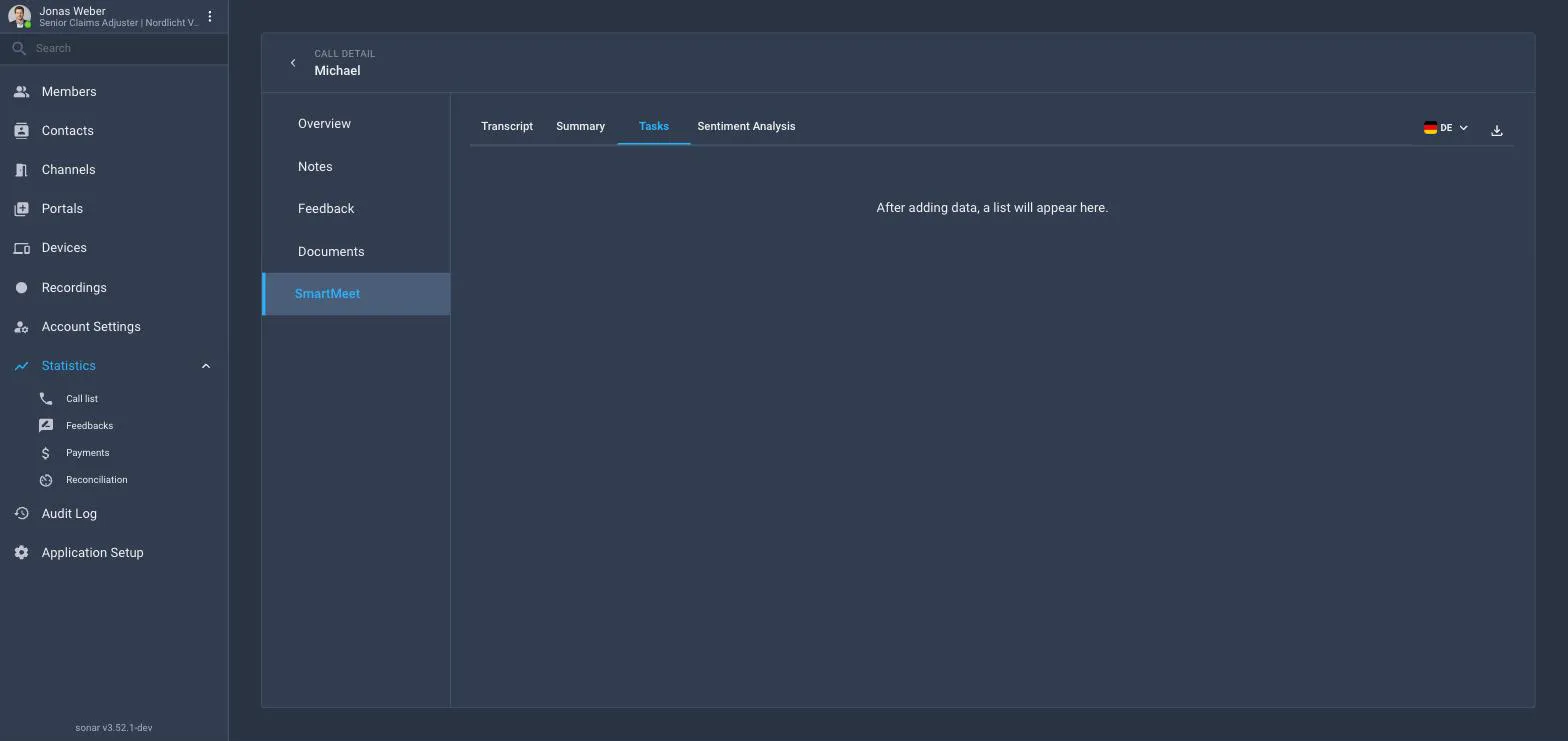
Statistics → Call list → call → SmartMeet → Tasks.
Tasks are included in the Smart Meet download and in Send as e-mail from the Call Log menu.
Switching it on for the workspace
Application Setup → Smart Meet → Modules → Tasks. It needs Transcription and follows Transcription’s scope.
Related
Summary The recap the tasks come from.
Transcripts The word-for-word record.