

Profiles
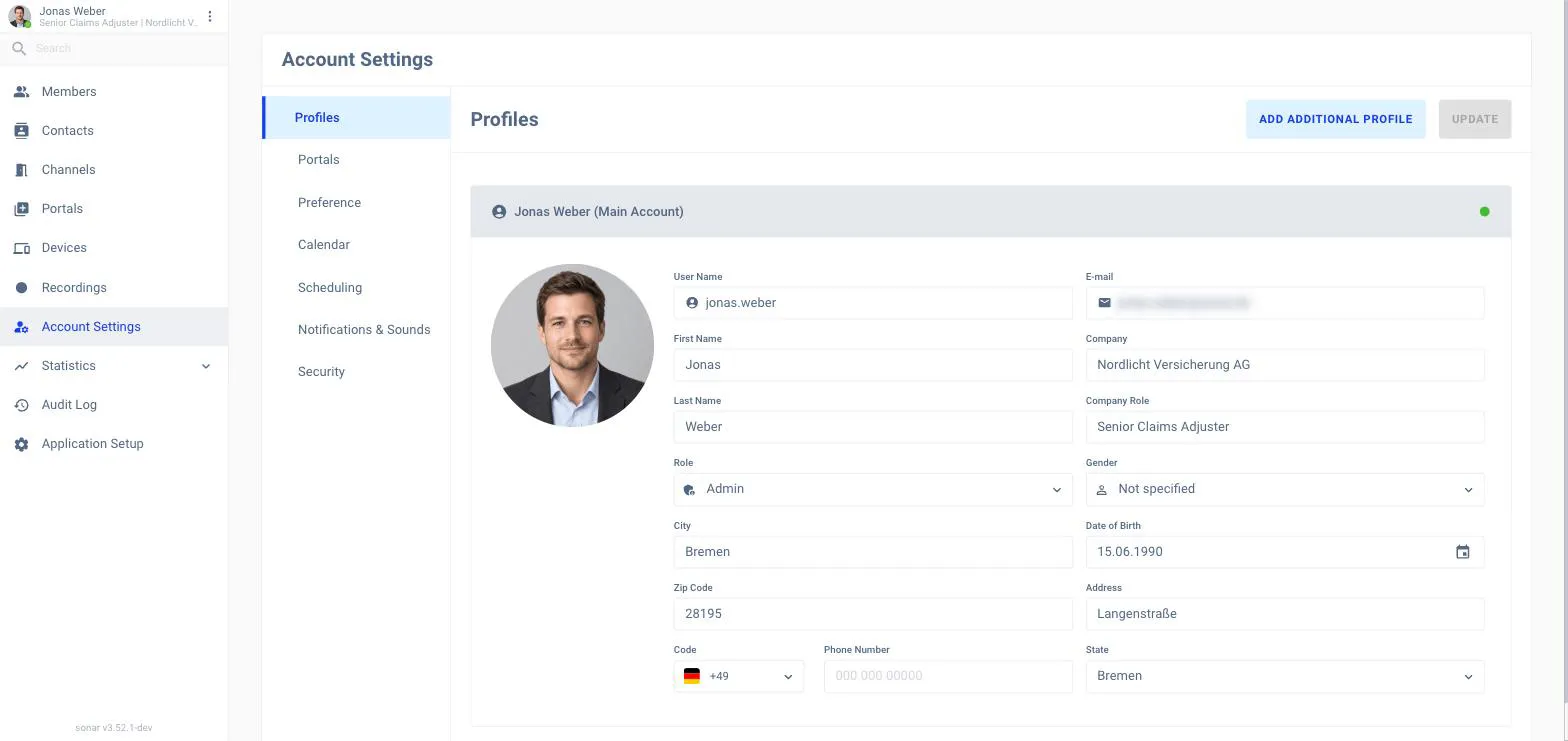
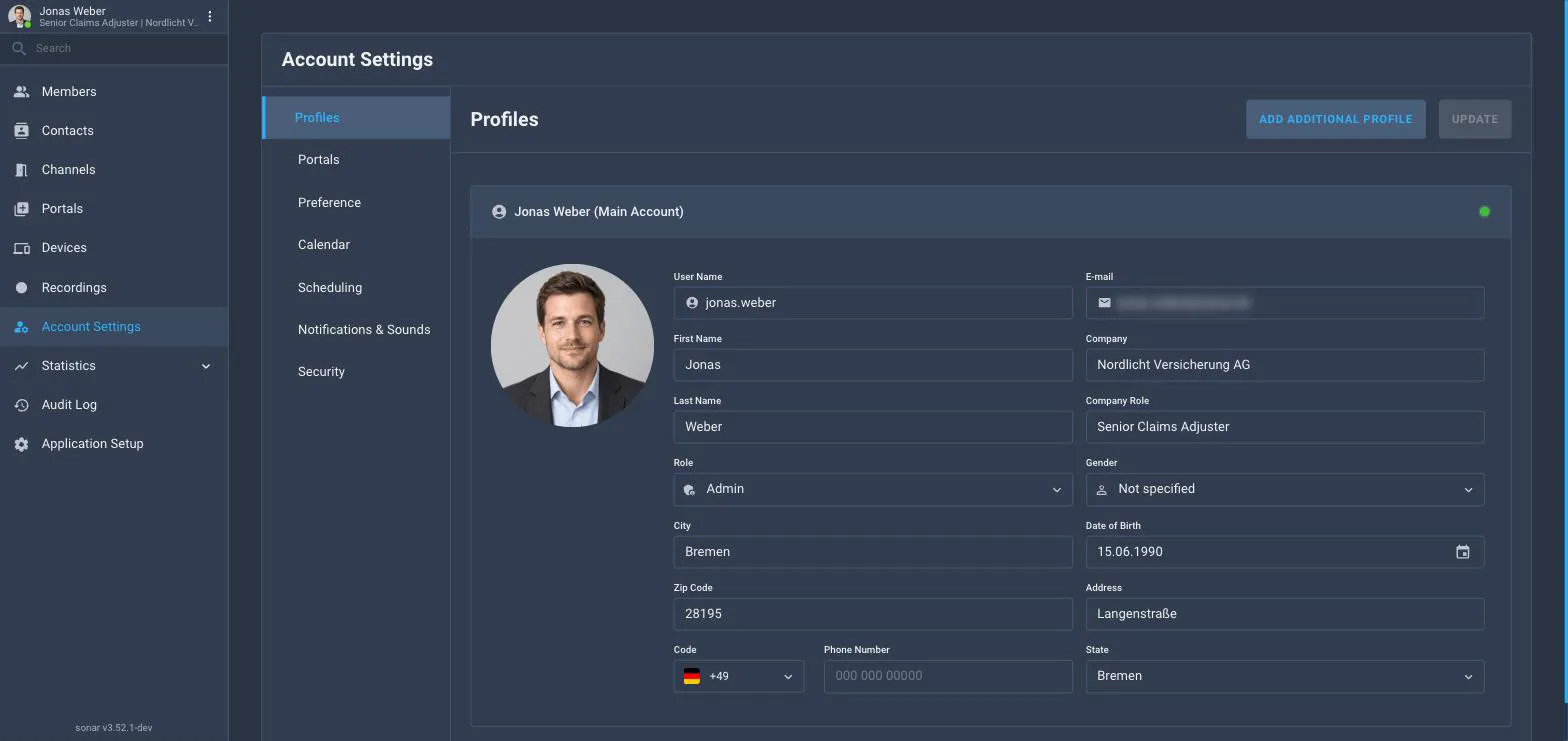
Your name, avatar, company, language and other profile details.
Account Settings is where you manage your own account. Open it from Account Settings in the navigation. (This is different from Application Setup, which is the workspace-wide configuration only admins can change.)
Profiles
Portals
Preference
Calendar
Scheduling
Notifications & Sounds
Security
On Profiles you set your avatar, name, company, role and language. Your language choice controls the language of the Sonar interface.
The Scheduling tab is where you create personal booking links so people can self-schedule a meeting with you — see Meetings for how meetings work.
Change your password on the Security tab. If your organization uses SSO, some of these options may be managed for you.