

Scheduling links
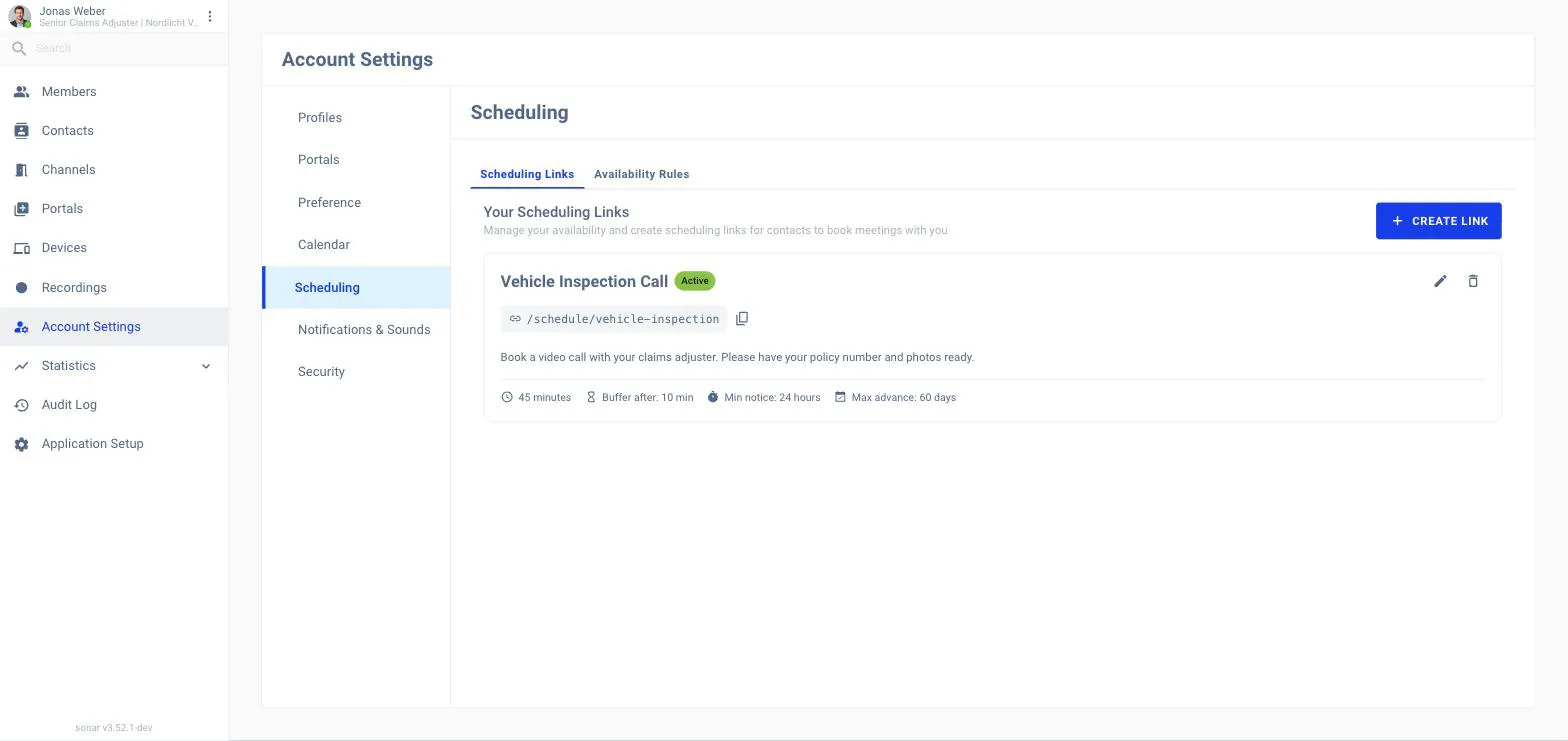
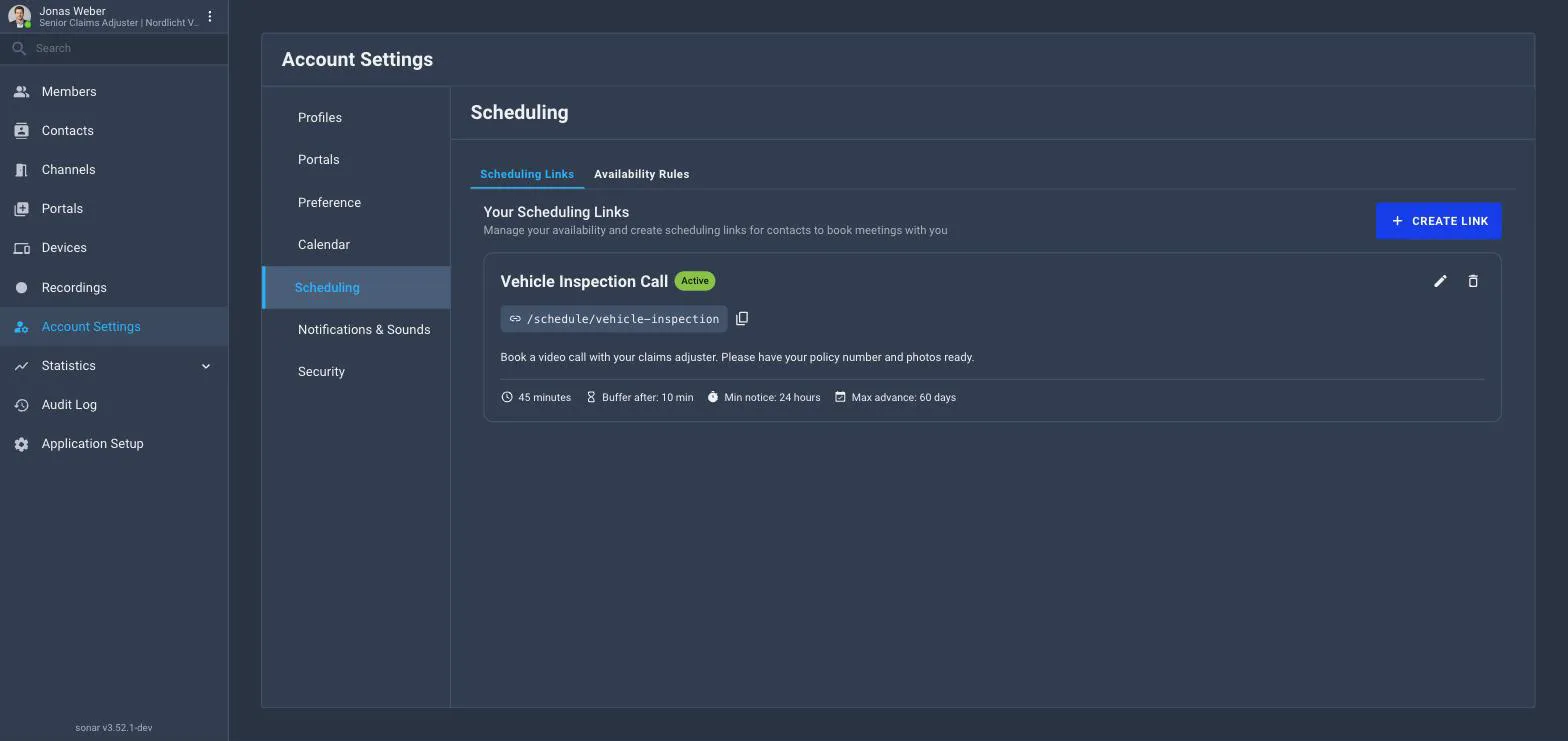
A scheduling link lets contacts book a meeting with you themselves, at a time you’re available — instead of you scheduling it. Manage your links on the Scheduling tab of your Account Settings.
Creating a scheduling link
-
Open Account Settings → Scheduling and click Create Link.
-
Set the meeting details and how long slots are.
-
Share the link — contacts pick an open slot, which creates a meeting for both of you.
Availability rules
Use the Availability Rules tab to define when you can be booked, so links only offer times that work for you.
Related
Meetings How the booked meeting works.
Your account settings Where scheduling links live.